PCI compliance, done on your phone
Every business that takes card payments has to complete a PCI DSS Self-Assessment Questionnaire every year. The official SAQ documents are dense and written for auditors. Paytia Comply turns them into something you can actually work through on your phone — one requirement at a time, in plain English, with evidence capture and PDF export built in.


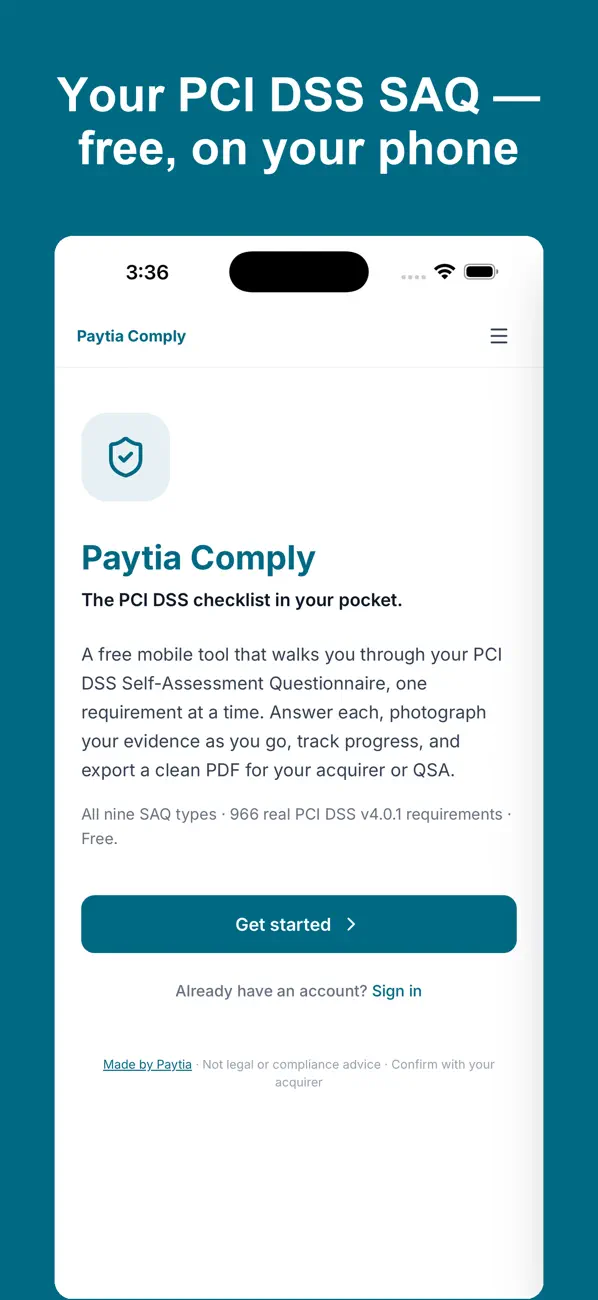
 Paytia Comply· Free
From open to export in four steps
Comply breaks the SAQ down into the smallest useful unit — one requirement at a time — so you can work through it in real sessions rather than trying to tackle the whole thing at once.
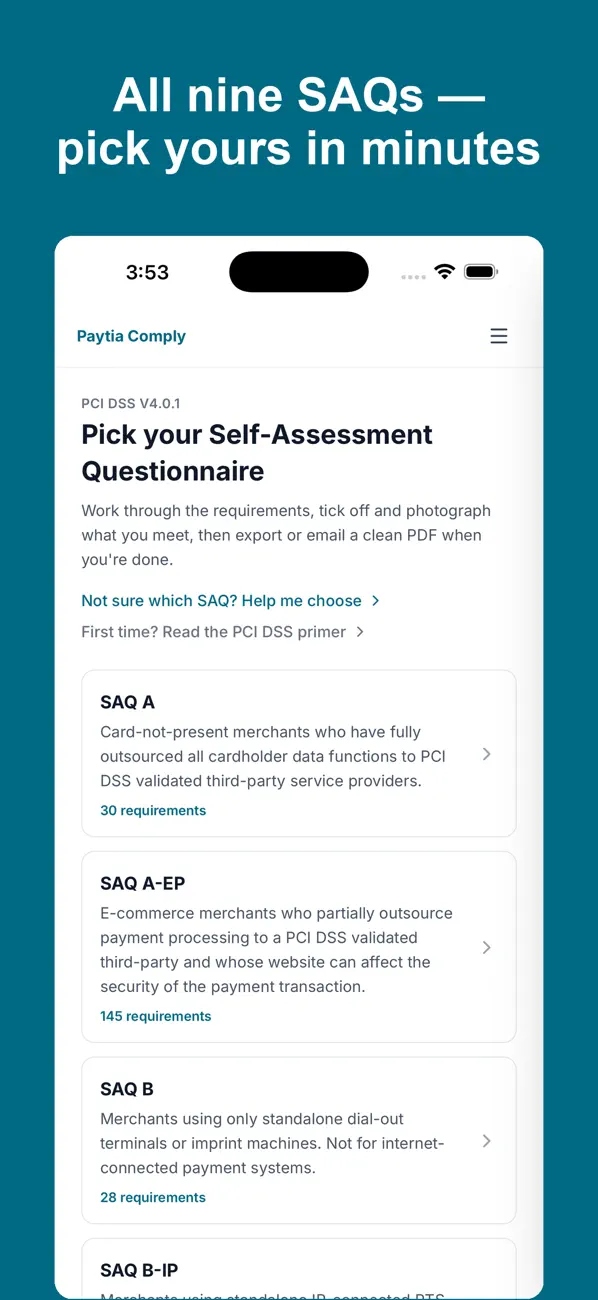
Pick your SAQ
Choose from all nine SAQ types — A, A-EP, B, B-IP, C, C-VT, D (merchant), D (service provider), and P2PE. If you're unsure which one applies, the built-in SAQ Finder asks about how you take payments and points you to the right one.
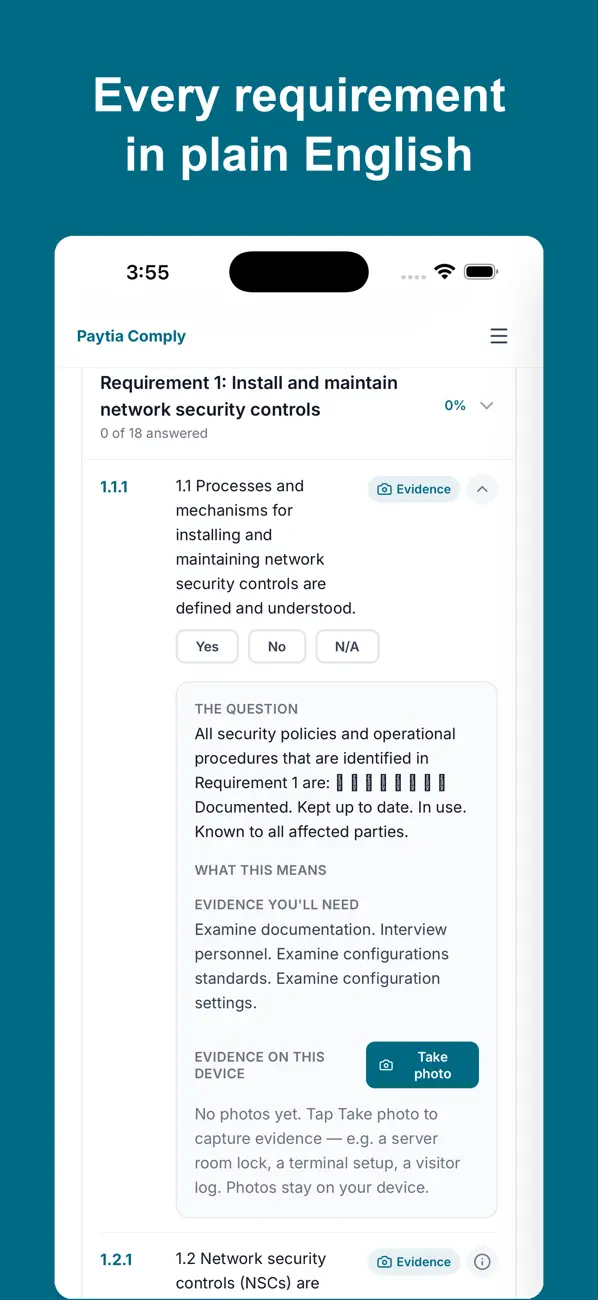
Work through each requirement in plain English
Every one of the 900+ real PCI DSS v4.0.1 requirements is presented one at a time, rewritten in plain English with a short note on what it means and what evidence you'll need. Mark each as Yes, No, or Not Applicable. Your progress saves automatically.
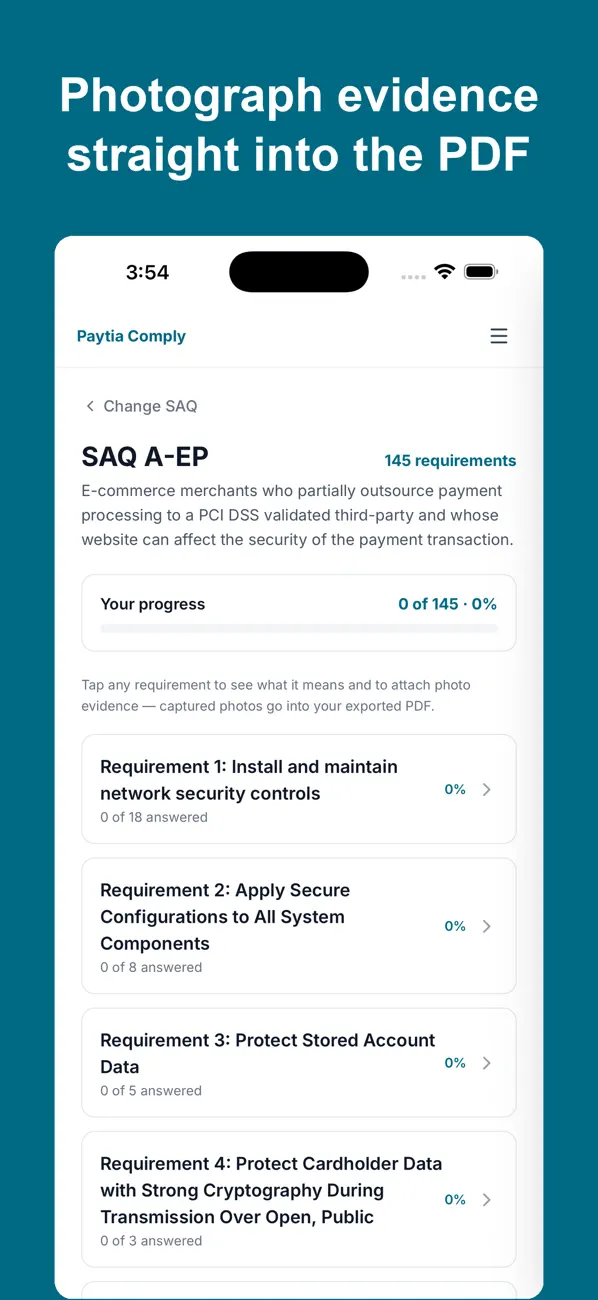
Photograph your evidence
Attach a photo to each requirement — server cabinet, point-of-interaction device, signed policy, whatever the requirement calls for. The evidence stays with the requirement, so your documentation is organized as you go.
Export your compliance PDF
When you've worked through the SAQ, export a PDF that captures your answers and evidence. Share it with your acquirer, your QSA, or anyone else who needs to see your working. Your account stays synced so you can switch devices any time.
The only PCI compliance app built by a PCI Level 1 provider
Paytia has held PCI DSS Level 1 certification since 2016. We built Comply because we know what the SAQ actually asks for — and how few businesses have a clear path through it.
All 9 SAQ types in one app
Most businesses only complete one SAQ type, but the way you take payments might span more than one. Comply covers the full set so you're never sent elsewhere to find a different tool.
900+ real PCI DSS 4.0.1 requirements
The questions aren't paraphrased guesses — they're the actual requirements from the PCI Security Standards Council, in the order they appear in the official documentation.
Plain English, not auditor speak
Every requirement comes with a short note on what it means in practice and the kind of evidence that satisfies it. You don't need a QSA on retainer to understand what you're being asked.
Photo evidence per requirement
Photograph the evidence in context — server cabinet, terminal, signed policy — and it stays attached to the requirement it belongs to. No spreadsheet gymnastics to map evidence to questions later.
Synced across devices
Start on your phone, finish on your tablet. Your assessment is saved to your account and synced in real time, so you can switch devices mid-SAQ without losing anything.
Built by a PCI Level 1 provider
Paytia has kept businesses PCI compliant since 2016 and holds PCI DSS Level 1 certification ourselves — the highest tier. The requirements in Comply are the ones we work with every day.
Anyone completing a PCI DSS SAQ
You don't need to be a large organization or a compliance professional to use Comply. It's built for anyone who has to sign off on a SAQ and wants a clear path through it.
Merchants completing their own SAQ
If you take card payments and don't have a compliance team, Comply gives you a structured path through your SAQ without needing to decode the official documents first.
Contact centers
Contact centers handling card data over the phone often sit in SAQ D scope — the most detailed questionnaire. Comply makes it manageable by breaking it into individual requirements you can tackle one at a time.
Consultants managing multiple assessments
If you're guiding more than one client through their annual SAQ, Comply's account system keeps each assessment separate so you can export a PDF for each client when they're ready.
Comply shows you what's missing
When Comply flags a gap in how you take phone payments — card data reaching your agents, call recordings capturing digits — Paytia's telephone payment tools close those gaps. DTMF masking, channel separation, agent-assisted payments: they're built to the same PCI DSS Level 1 standard the SAQ is measuring you against.
Frequently asked questions
What people ask before they download Comply
Is Paytia Comply really free?+
Yes, completely free. There's no subscription, no in-app purchase, no hidden tier. You create an account, pick your SAQ type, and work through it at no cost.
Which SAQ types does it cover?+
All nine: SAQ A, SAQ A-EP, SAQ B, SAQ B-IP, SAQ C, SAQ C-VT, SAQ D for merchants, SAQ D for service providers, and SAQ P2PE. If you're not sure which one fits your business, the built-in SAQ Finder asks a few questions about how you take card payments and points you to the right one.
Do I need Paytia's other services to use Comply?+
No. Comply is a standalone tool for completing your PCI DSS SAQ. You don't need to be a Paytia customer, and nothing in the app pushes you to buy anything. It's genuinely useful on its own.
Is it available on iOS and Android?+
Yes. The app is on the App Store for iPhone and iPad, and on Google Play for Android. Your progress syncs to your account so you can start on your phone and pick up later on any device.
What happens to my data, and where is it stored?+
Your assessment answers, evidence notes, and photos are saved to your Paytia account and synced securely. Paytia is a PCI DSS Level 1 provider — the same certification the SAQ is measuring you against — so your data is held to that standard.

Get Paytia Comply — it's free
iOS and Android. All 9 SAQ types. 900+ real PCI DSS v4.0.1 requirements. No cost, no catch.
Already using Paytia? Book a demo to see how we close the gaps Comply finds.