Product demos and tutorials
See how Paytia's secure payment solutions work in practice — or start with the best ways to take secure phone payments.
Call Solutions
How contact centres take payments mid-call. The agent walks the customer through it but never sees or hears the card.
Channel Separation Overview
A look at Channel Separation for contact centres. The audio path drops while the customer keys in their card, and the agent hears hold music and progress messages instead.
Watch video
DTMF Suppression Demo
How DTMF suppression keeps you PCI compliant. It masks the keypad tones so the card number never reaches the agent or the recording.
Watch video
Aircall Integration Demo
See Paytia working inside Aircall. Your agent stays on the call while the customer keys their card into their phone, so nobody hears or sees the digits.
Watch videoDigital Solutions
Collect payments by email, SMS and Open Banking. Built for businesses whose customers are never in the room.
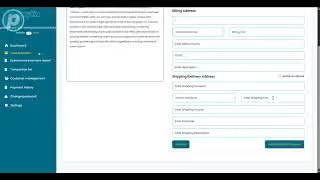
Secure Link Payments Tutorial
How to create, brand and send a secure payment link — customer data stays protected and the payment gets simpler.
Watch video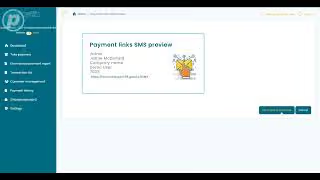
SMS Secure Payment Links
Text a secure payment link and let the customer pay on their own phone. Fully PCI compliant, and the link expires.
Watch video
Pay by Bank Demonstration
How Pay by Bank works in Paytia. Money moves account to account over Open Banking, so there's no card to protect and the fees are a fraction of card rates.
Watch videoReal-time Card Blocking
Catch fraud as it happens. Set rules that stop a suspicious transaction before it settles.
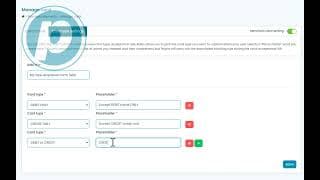
Instant Card Blocking for Fraud Prevention
Block a suspicious card the moment it appears. Real-time monitoring and your own rules catch the pattern before settlement.
Watch video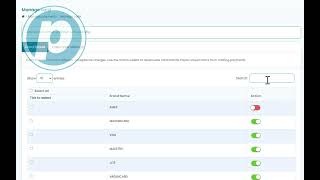
Setting Up Card Blocking Rules
Set up your own fraud rules. Block suspicious transactions, particular card types, or cards issued in certain countries.
Watch videoSearch and Retrieval
Pull customer data out of your CRM and other systems while the payment is still running.
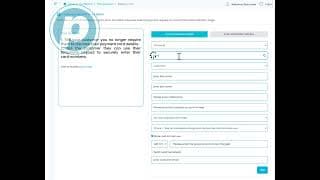
Real-time Data Look Up from Third-party Application
Paytia can call your CRM or billing system mid-payment, pull back a balance or an order, and read it to the customer before they pay a penny.
Watch video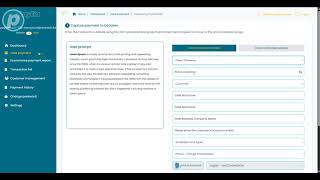
Real-time Data Look Up from Paytia CRM
Look up a customer's payment history mid-call. The agent gets the context they need to approve the next payment.
Watch videoEnhanced Features
Take payments in more than one currency, from customers in more than one country.
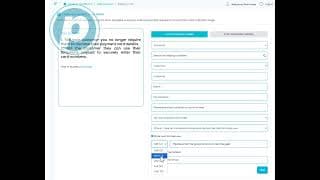
Users Selecting Different Currency
Let customers pick their currency at the point of payment. Useful if you take phone orders across several markets.
Watch video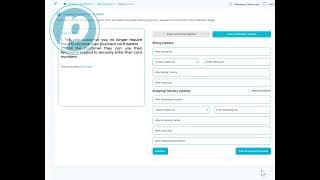
Users Picking Different Billing Country
Let customers choose their billing country. AVS checks work properly, country rules apply, and fewer payments get declined.
Watch video
Add Countries and Currencies
Set up the countries and currencies you want to accept, so you can take payments wherever your customers are.
Watch videoPayment Processing
Gateway integrations and platform tours, showing how payments actually run end to end.
Lloyds Cardnet Payment Integration
See Paytia on the Lloyds Cardnet gateway. Your customer keys their card into the phone, your agent never hears it, and the money lands in Cardnet as usual.
Watch video
Paytia Short Demonstration
A quick tour of secure phone payments — the main features and how they connect to what you already use.
Watch videoBusiness Use Cases
Where Paytia fits into everyday work — QR codes on invoices, payments from inside your CRM, and a tablet you can hand to the customer.
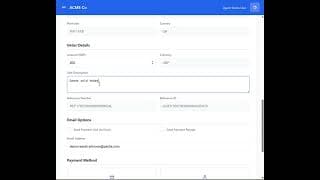
QR Code Payments on Business Invoices
Put a Paytia QR code on your invoices. The customer scans it and lands on a branded payment form with the details already filled in.
Watch video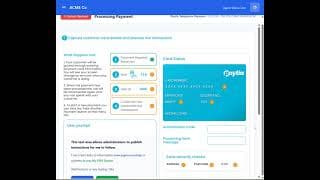
Telephony Payment from CRM Application
Take a phone payment from inside your CRM. The agent starts card capture without leaving the screen they're already working in.
Watch video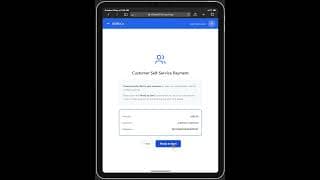
iPad/Tablet Self-Service Virtual Terminal
Take payments in person on a tablet. Your rep hands the device over and the customer keys in their own card.
Watch video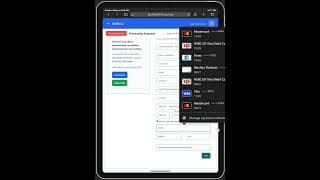
iPad/Tablet Agent-Assisted Virtual Terminal
Agent-assisted payments on a tablet. Pass the iPad across and the customer enters their card themselves, with your rep on hand.
Watch video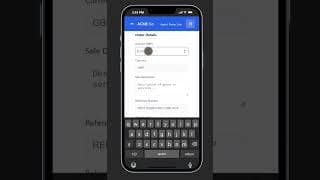
iPhone CRM Demo for Scan QR to Pay
Use the Paytia API to build a pre-filled payment page. The customer scans a QR code on their phone and pays.
Watch videoReady to take secure payments?
Book a demo with our team. We'll show you DTMF masking live, talk through PCI DSS scope reduction, and put together pricing based on your call volume.
Trusted by law firms, insurers, healthcare providers and regulated businesses worldwide. Learn more about Paytia