Quick summary
An SMS payment works by sending the customer a text with a link to a secure, hosted checkout page. They tap the link, enter their card details, and pay — all without staying on a call or speaking to an agent. Card data goes straight to the processor and never touches your systems, which is what makes it PCI-friendly when it's set up correctly.
Last updated: 1 June 2026
If someone asks you "what are SMS payments?" the honest answer is: it depends what era of SMS payment they mean. The original version — dialling a short code to add a charge to your phone bill — is mostly gone from the UK mainstream. What's taken its place is something quite different: a payment link sent by text, opening a proper card-entry checkout on the customer's phone. Same delivery mechanism, completely different architecture.
This guide covers that modern version — the pay-by-link approach — because that's what UK businesses are actually using in 2026 for phone, contact centre, and invoice-follow-up payments.
What an SMS payment actually is#
In the UK today, an SMS payment almost always means a pay-by-link transaction. The sequence is simple:
- The business (or its payment platform) sends the customer a text with a short URL.
- The customer taps the link on their phone. It opens a secure, HTTPS-encrypted checkout page — hosted by a PCI DSS-compliant payment provider, not by you.
- The customer enters their card details on that page and confirms the payment.
- The processor authorises the transaction. The merchant gets a notification. Done.
The key thing to notice is where the card data lives. The customer types it into a page run by someone else's PCI-certified infrastructure. It never passes through your servers, your CRM, or your email inbox. It doesn't appear in any SMS message. That separation is what makes the whole model work from a security and compliance perspective.
This is different from older SMS billing models (premium-rate short codes, operator billing) where the transaction was tied to the customer's phone account, not their payment card. Those still exist for things like charity donations or parking apps, but they're a separate world.
How SMS pay-by-link works, step by step#
Let's trace a typical business-to-customer payment through the flow:
A customer phones your contact centre to settle an outstanding invoice. The agent takes the call, confirms the amount, and instead of asking the customer to read out their card number — which would require DTMF masking or channel separation to keep it out of the recording — the agent sends them a payment link via text. The customer receives the SMS within a few seconds. They tap the link, which opens a branded payment page over a secure connection. They enter their card details, hit pay, and receive an on-screen confirmation. The agent can see the payment land in the portal and close the call.
The customer never reads their card number aloud. The agent never sees it. Nothing is stored on your side. The whole exchange takes about two minutes from "I'll send you a link now" to confirmation.
Some platforms add a verification step. Paytia's Secure Code, for example, sends the customer a separate 4-digit code alongside the payment link. When they open the link, that code appears on the payment page, proving the link came from the genuine sender and not a scammer spoofing your number. It's a small addition but it addresses the biggest real-world concern with SMS payment links: customers are understandably wary of clicking links in texts, particularly when they don't recognise the sender number.
The PCI DSS and security picture#
Payment card security always comes back to one question: where does the card data go? With a well-built SMS pay-by-link system, the answer is "straight to the processor, nowhere else." Your business is a messenger. You sent a link, the customer clicked it, and the payment happened on someone else's certified infrastructure. That's the whole point.
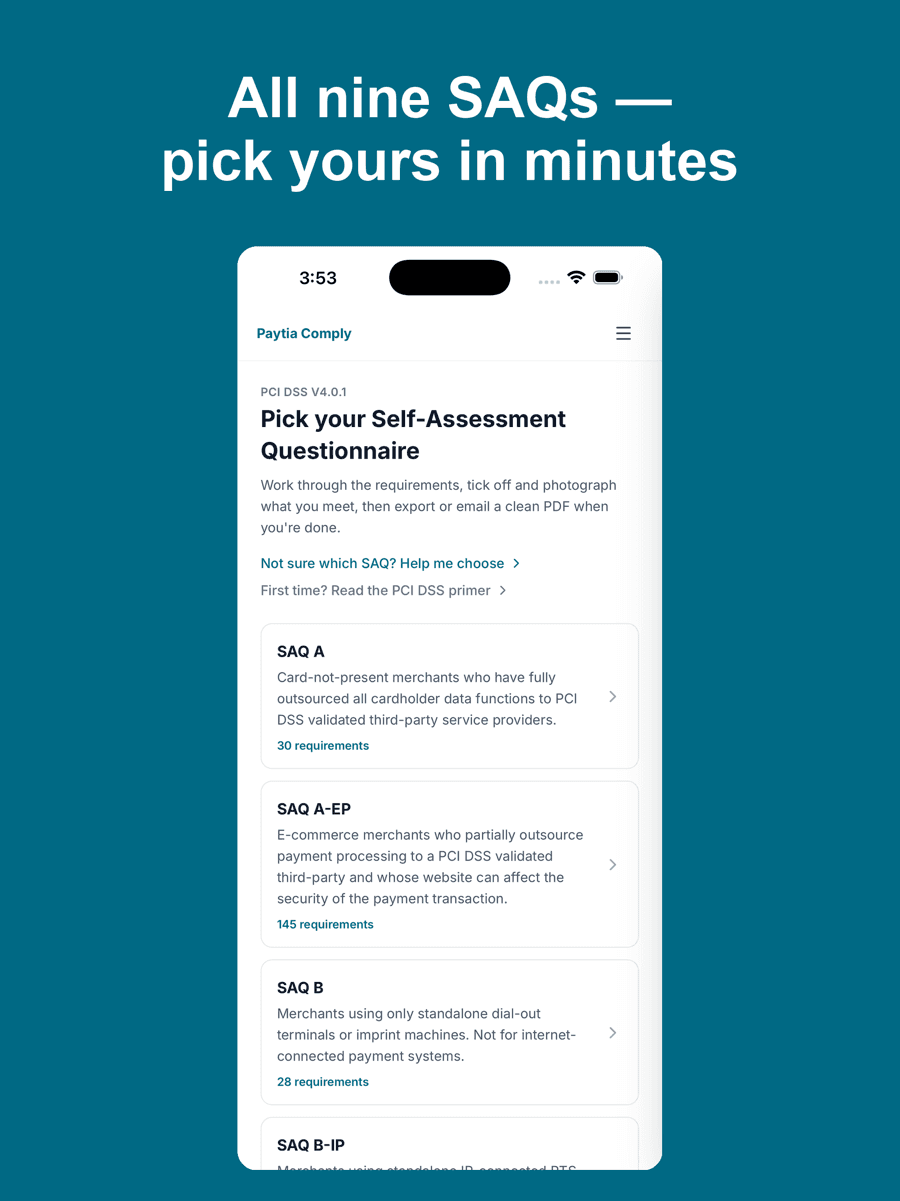
For PCI DSS purposes, if you're using a hosted payment page that you don't control, you're likely eligible for SAQ A — the lightest self-assessment questionnaire, which applies to merchants who've fully outsourced card capture. Compare that to taking card payments over a phone call with agents: depending on how that's configured, you could be looking at SAQ D, which involves 329 requirements and a much heavier audit burden.
That said, the security model only holds if a few things are true:
- The link must point to a page served over HTTPS. Any payment form that loads over plain HTTP is a red flag.
- Card data must not appear in the SMS itself. Ever. Sending card numbers by text is never acceptable.
- The hosted payment page must be run by a PCI Level 1 certified provider. Check this before choosing a platform.
- Expiry on the link should be set — 24 to 48 hours is standard — so an old link can't be reused.
Smishing (SMS phishing) is a real risk for your customers even if your platform is watertight. That's why verification mechanisms like Secure Code matter. Telling customers to look for the code before entering any details gives them something concrete to check, rather than just "trust the link."
When SMS pay-by-link makes sense#
SMS payments aren't the right answer for every situation. Here's where they genuinely fit:
They work well when you're closing a payment after a phone call. The agent can stay on the line while the customer taps through, which keeps the customer experience intact without putting card data anywhere near the agent's earpiece or screen. It also works for invoice follow-up: send a link with the outstanding amount, set a 48-hour expiry, and let the customer pay when it suits them rather than waiting in a queue.
They're useful when customers are out and about — on a mobile, not at a desktop — and a payment form with lots of fields would feel clunky. The hosted checkout page on a phone browser is designed for that context.
They're less ideal when the customer doesn't have their phone to hand, doesn't trust clicking links in texts (which is a reasonable position), or when the transaction needs real-time identity verification that goes beyond what a card-entry form can do. For those situations, an IVR payment where the customer keys details into an automated phone system — or an agent-assisted call with proper DTMF masking — is likely the better fit. We've gone into the full trade-offs in our comparison of SMS and IVR payments.
The UK context#
In the UK, the main thing shaping SMS payments right now is customer caution. Fraud Action UK data consistently shows that smishing attacks — texts pretending to be from banks, HMRC, delivery companies — are one of the most common fraud vectors. That's made many UK consumers genuinely reluctant to click links in texts, even from businesses they deal with regularly.
That caution is rational, and any business using SMS pay-by-link in 2026 needs to account for it. Sending a payment link with no warning, no verification mechanism, and from an unknown number is going to get ignored at best and reported as fraud at worst.
The approach that works is transparency: tell the customer during the call that you're sending a link, give them the last four digits of the amount, use a recognisable sender name if your platform supports it, and include a verification mechanism. That's how you get a completion rate worth talking about.
From a regulatory standpoint, taking payments by SMS payment link doesn't sit outside any UK-specific framework — it's still subject to card scheme rules, FCA regulated activity requirements if applicable, and GDPR for any data you capture around the transaction. PCI DSS applies as described above.
How it compares to other phone payment methods#
There are three main ways UK businesses take card payments where the customer isn't physically present: agent-assisted (the customer reads their card to an agent), IVR (the customer keys their card into an automated phone system), and SMS pay-by-link (the customer pays via a link on their phone).
Agent-assisted is the most familiar but creates the biggest compliance headache — card data goes into your call recording, onto your agent's screen, and potentially into your CRM unless you've specifically architected around that. IVR is better from a data scope perspective: if it's built with DTMF masking, card tones are suppressed before they reach any recording or agent. SMS pay-by-link takes that logic further by moving card entry off the call entirely.
None of these is universally "best." The right choice depends on your call type, customer base, and existing infrastructure. Many contact centres use all three, routing customers to whichever method fits their specific situation. Our full comparison of SMS and IVR payments covers the trade-offs in more detail if you're trying to work out where each fits.
Related reading#
Want to see a live SMS payment link in action? Book a 15-minute demo — we'll show you a real customer journey from text to confirmation.