Account Security
A rundown of what keeps your Paytia account safe — unique logins, password rules, multi-factor authentication and role-based access — and the settings you control yourself.
Account Security
Protecting your Paytia account is essential to safeguarding customer data, payment information, and your business. Paytia provides multiple layers of security that align with recognised cybersecurity best practices and help reduce the risk of unauthorised access.
Username and Password Security
Every Paytia user has their own unique username and password.
To help protect your account, Paytia enforces a strong password policy.
Password Requirements
Passwords must:
- Be a minimum of 12 characters long.
- Contain a combination of uppercase and lowercase letters.
- Include at least one number.
- Include at least one special character.
- Not be easily guessed or based on personal information.
Using long, unique passwords significantly reduces the likelihood of password guessing and brute-force attacks.
IP Address Whitelisting
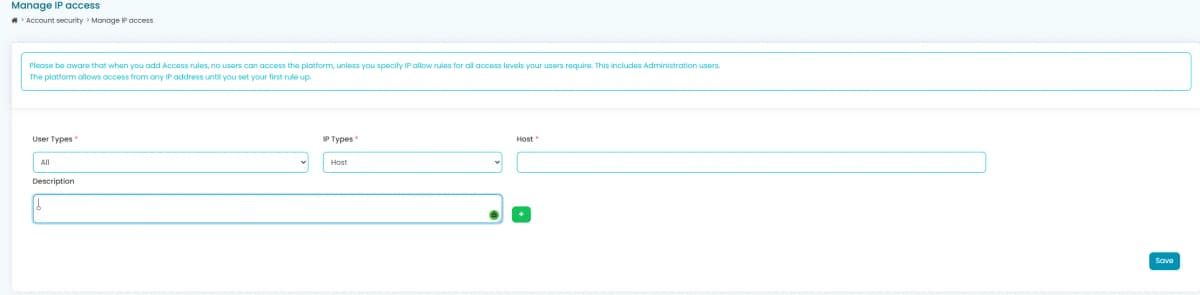
For additional protection, Paytia allows administrators to restrict account access to trusted network locations.
Supported whitelist options include:
- Individual IP addresses
- IP address ranges
- CIDR subnet ranges
When IP whitelisting is enabled, users can only sign in from approved network locations. Any login attempt from an unauthorised IP address is automatically blocked before access is granted.
This feature is particularly useful for organisations operating from fixed offices, contact centres, or corporate VPNs.
Two-Factor Authentication (2FA)
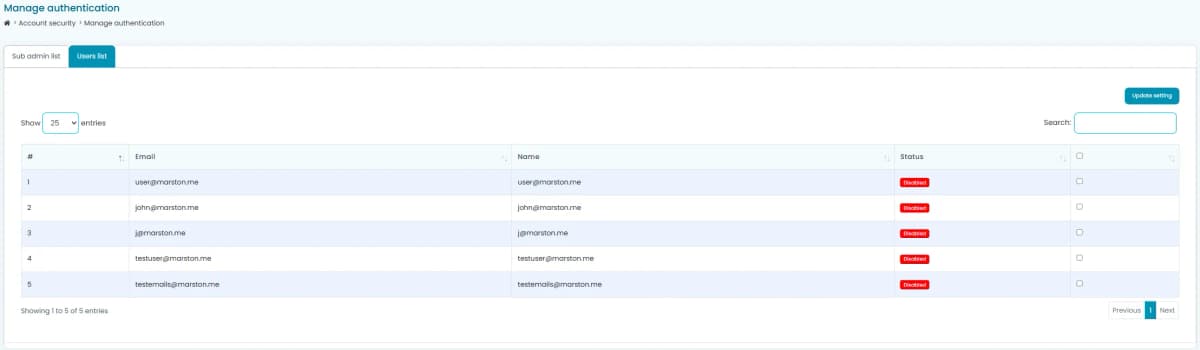
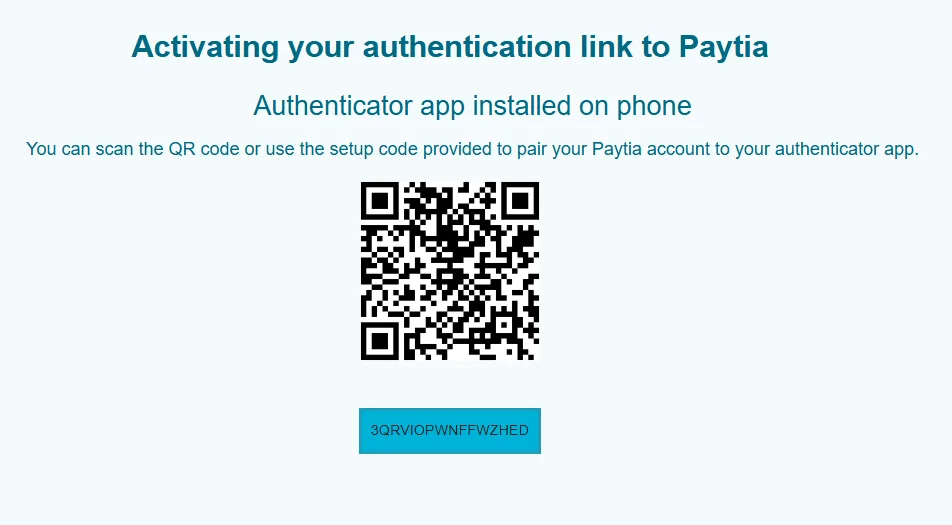
Paytia supports Two-Factor Authentication (2FA) using a Multi-Factor Authentication (MFA) authentication key.
After a user successfully enters their username and password, Paytia performs a second authentication challenge before access is granted.
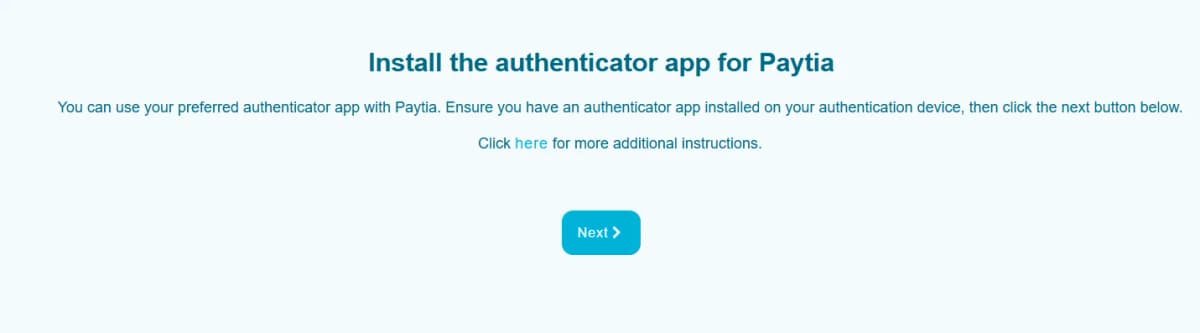
The second factor is generated using the user's registered MFA authenticator application, providing an additional layer of protection should a password become compromised.
Authentication Flow
The Paytia authentication process follows these steps:
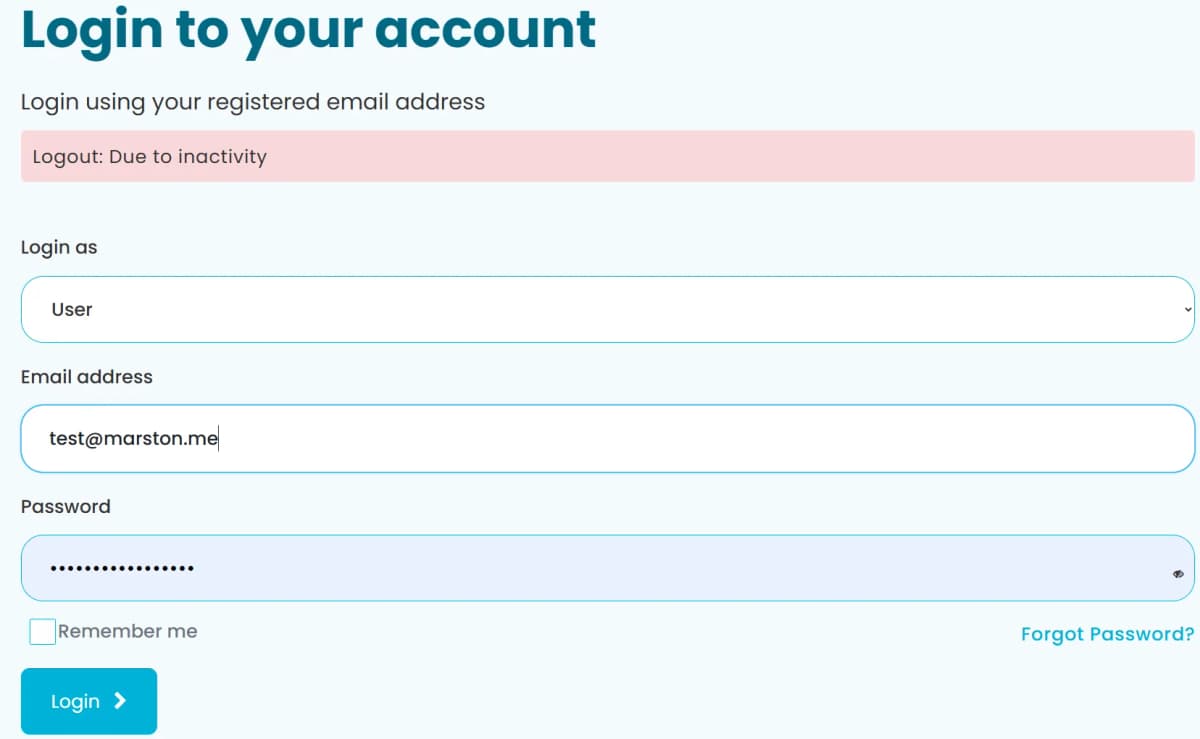
- Enter username.
- Enter password.
- Complete the MFA verification challenge.
- Access is granted only after successful verification.
Because the MFA challenge occurs after successful username and password validation, an attacker would require both the user's credentials and their registered authentication device to gain access.
Security Best Practice
These security features work together to provide layered protection for your Paytia account:
- Strong 12-character password policy.
- Individual user accounts with unique credentials.
- Optional IP address whitelisting.
- Multi-Factor Authentication (MFA).
- Protection against brute-force and credential theft attacks.
- Reduced risk of unauthorised remote access.
Using all available security features is recommended and aligns with modern cybersecurity best practices, helping organisations protect payment systems, customer information, and business operations.
More in General
How do I add the Paytia payment service IP address to my payment gateway?
Some gateways only accept payment requests from IP addresses you've whitelisted. If yours is one of them, here's the address, subnet mask and description to add.
How do I Set Up PayPal for the Paytia Agent Capture Assist Secure Virtual Terminal?
Agent Capture Assist needs three API credentials from your PayPal account — a username, a password and a signature. Generating them takes a few minutes, and here's the whole process.
Still need help?
Our support team is here to help. Submit a ticket and we'll get back to you within one business day.