A refund feels like it should be the easy part of a payment system. The money's gone out, you want to put it back. What could be complicated?
Quite a lot, it turns out. The card networks enforce strict rules about where refunds can go. Acquirers layer their own constraints on top. Your CRM probably wasn't designed with cross-channel refunds in mind. And the moment you take a payment on one channel and try to refund it from another, the friction shows up everywhere.
This post walks through what actually happens when you issue a refund, where the rules come from, and how Paytia's in-person payments product handles refunds that cross channel boundaries.
The default rule: refunds go to the original card#
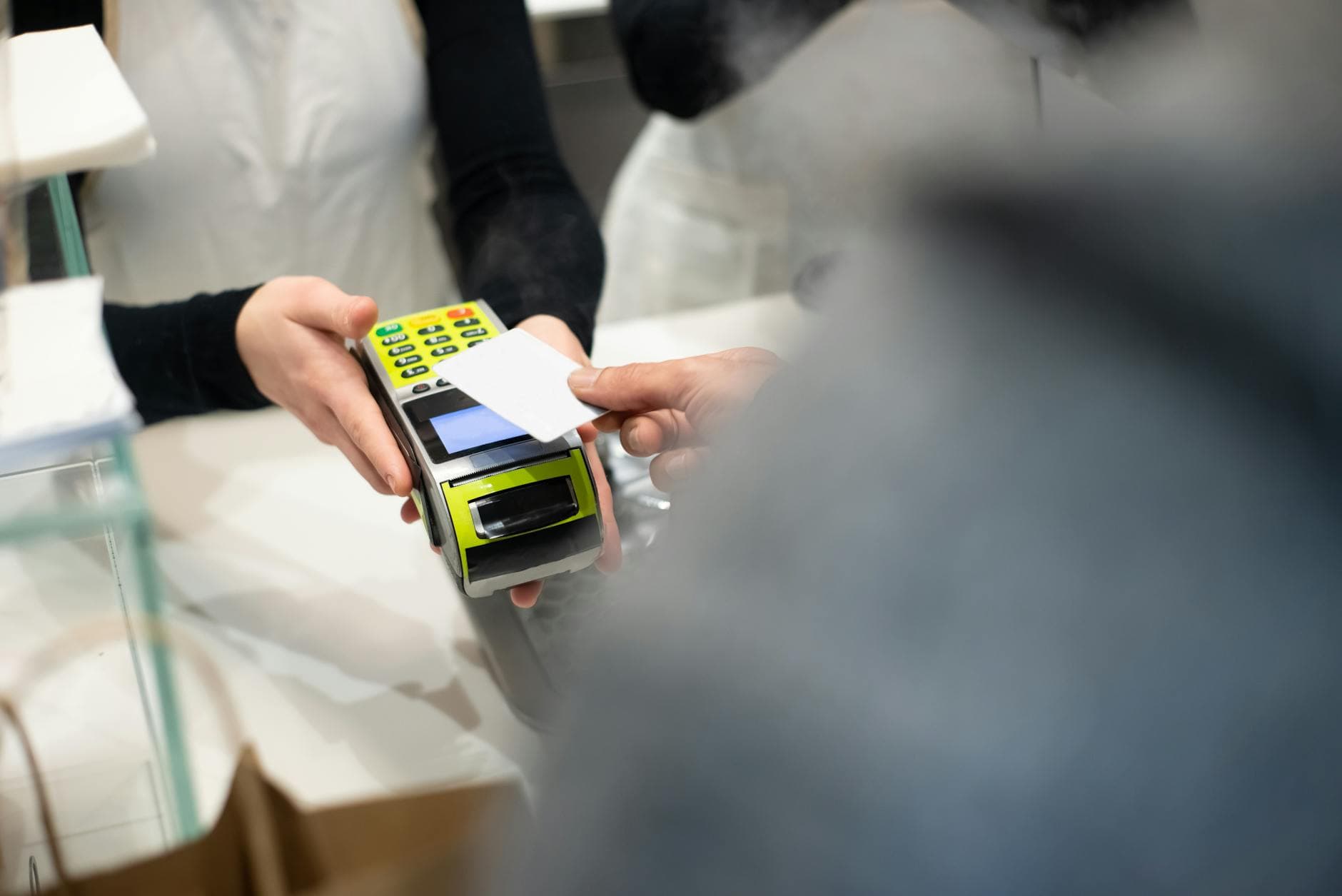
Card-scheme operating regulations — the rules Visa, Mastercard, and the other networks set — require that refunds for card transactions go back to the same card that paid for them. This is a fraud-prevention rule. Without it, a fraudster could buy something with a stolen card and refund the money to a different card they control.
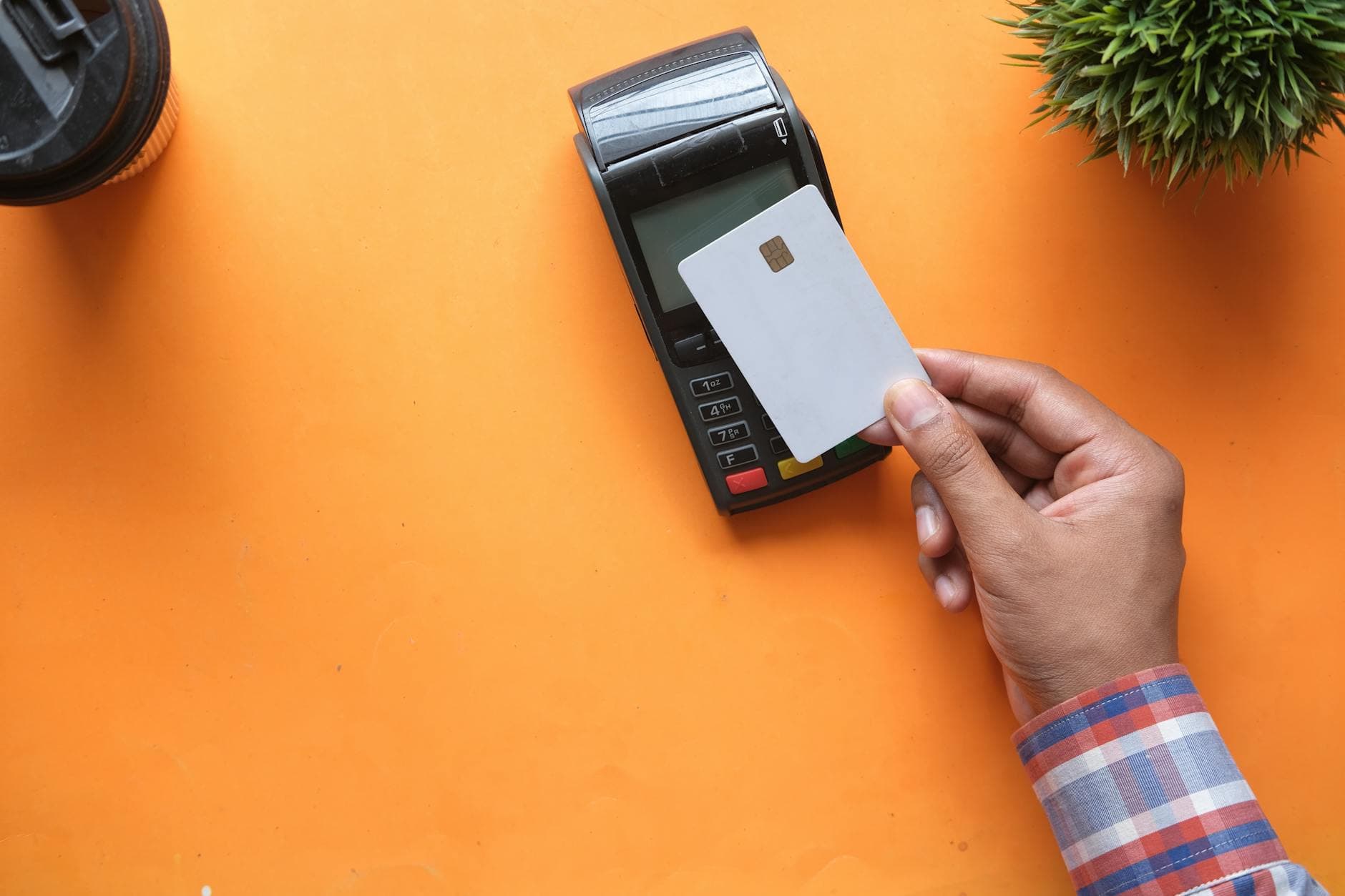
That rule applies regardless of where the original transaction was taken. A phone payment has to be refunded to the original card. A POS transaction has to be refunded to the original card. The channel the refund itself is issued from doesn't matter — the destination card does.
The exception: alternative refund destinations#
The schemes do allow alternative destinations in specific cases. The most common is when the original card has expired or been cancelled. In those cases, the acquirer can approve a refund to a different card belonging to the same cardholder — typically a replacement card on the same account.
Other scenarios where an alternative refund destination might be permitted include cases where the cardholder no longer has access to the original card (for example, a joint account closed after separation), or where the original card was a single-use disposable card.
The key phrase here is "permitted" — every alternative refund needs specific approval from your acquirer, documented cardholder consent, and an audit trail showing why the original card wasn't usable. It's not something you should plan to do routinely.
Want to see this working in your setup? Book a working-demo call — we'll wire up your actual phone system and show you a live capture.
Where cross-channel refunds actually differ#
When people say "cross-channel refund", they don't usually mean refunding to a different card — they mean issuing a refund from a different channel than the one that took the original payment.
For example: a customer paid a deposit on your POS terminal three weeks ago. They've rung up today to return the product. Your agent needs to process a refund — but the POS terminal isn't connected to the phone system, and re-keying the card into a refund terminal would mean taking the card data by phone, which defeats the point of keeping it off your systems in the first place.
The solution is to have the refund issued from the channel the customer's currently on — the phone — but routed back through whatever acquirer processed the original transaction. Paytia's dashboard handles this: the agent pulls up the original transaction by reference, clicks "refund", and the refund goes back to the original card through the original acquirer, regardless of which Paytia channel the agent is physically working from.
What you need to get right#
Reference matching. Every transaction needs a unique reference that survives the channel boundary. If your POS transactions don't carry through to your CRM, you can't match a phone refund to the right POS payment. This is where a lot of DIY cross-channel refund implementations break down.
Acquirer coverage. The refund has to go back through an acquirer connected to the token. For simple cases this is the same acquirer that took the original payment; for more involved setups it may be any acquirer connected to the token. Paytia's in-person payments layer supports cross-acquirer token reuse, which matters when your in-store and online acquirers are different providers.
Audit trail. For any refund, particularly one routed through a different channel to the original payment, you want a clean log: who triggered it, from which channel, against which original transaction, with what outcome. Dispute resolution months later will depend on this.
Customer communication. "The refund is processed — it'll appear on your card in 3-10 working days depending on the issuer" is the right script. Customers routinely expect instant refunds and don't get them; setting the expectation at the point of refund saves inbound calls.
Where it goes wrong#
The common failure modes:
Partial refunds that drift from the original. A customer paid £600 for a sofa, got a £50 discount after fitting, needs a £50 refund. If the refund is processed as a new £50 transaction rather than a partial reversal of the original, scheme and acquirer reporting shows two transactions (a £600 sale and a £50 "sale"), not one corrected sale. The customer sees their statement and asks why.
Refunds stuck in limbo. The refund is authorised but doesn't appear on the customer's statement for weeks. Usually this is an acquirer settlement delay — refunds settle in reverse batches and if they miss a cut-off they sit until the next one. Paytia's reporting shows the submission timestamp and the expected settlement date so your team can tell the customer exactly where things are.
Refunds to expired cards. Covered above — if the card is expired, the acquirer will refuse the refund. Your system needs to catch this at submission time, not three days later when the customer asks where their money is.
Want to talk through a specific case?#
Related reading#
- Pillar guide: Payment Gateway API Integration: 2026 Developer Guide
- Pay by Link vs Hosted Checkout: Which to Use
- Manual vs Automated Payment Chasing: When to Switch
- How Open Banking Works: Essential Business Guide
- What is click to pay: A Faster, Safer Online Checkout
Want to see this working in your setup? Book a working-demo call — we'll wire up your actual phone system and show you a live capture.