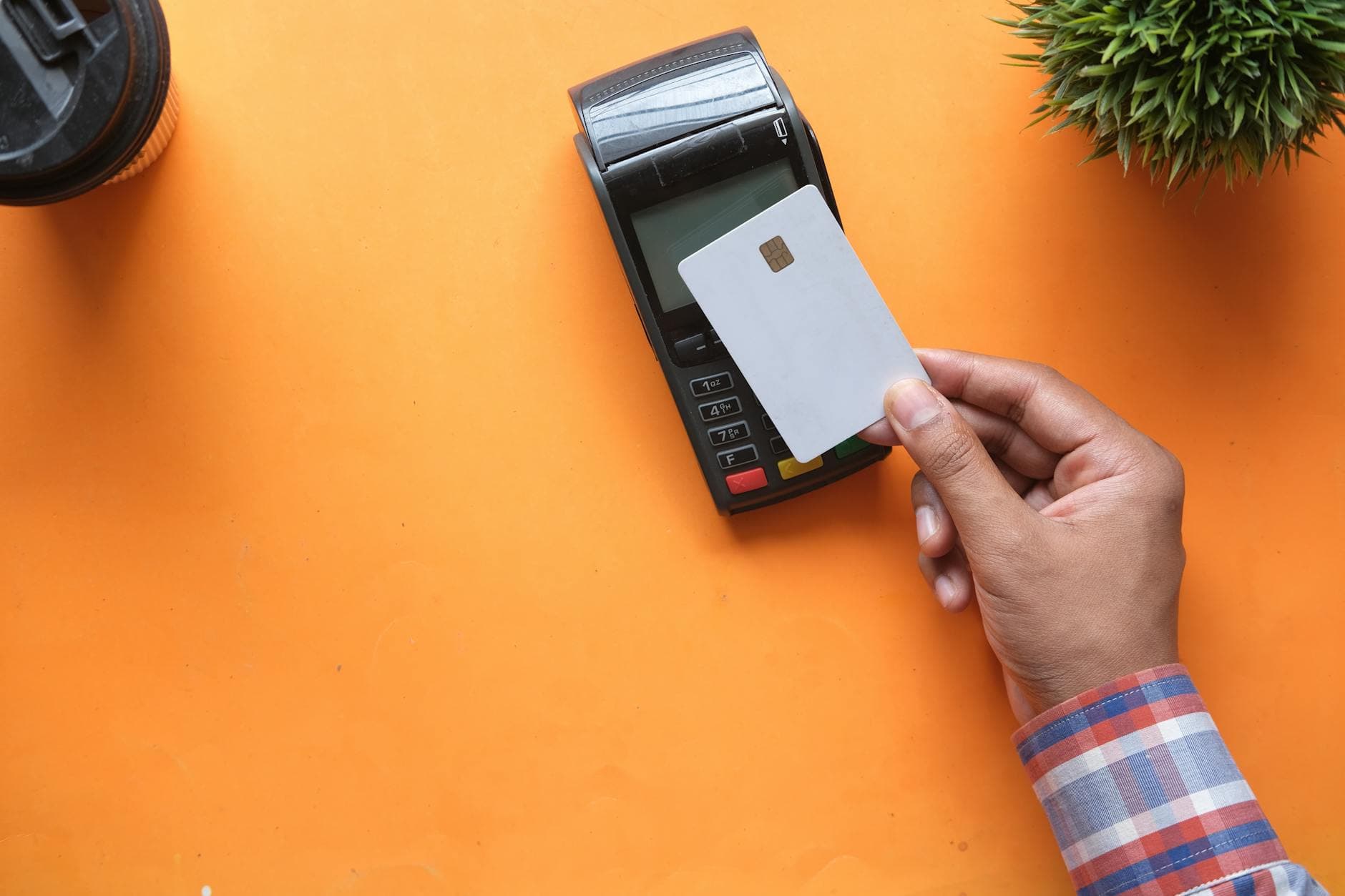
A digital wallet is software that stores your payment credentials — card numbers, bank account details, sometimes loyalty cards and ID — and presents them to a merchant as tokens at the moment you pay. It's the layer between your card and the checkout, not a payment method in its own right. That distinction matters, and it's the one most explanations get wrong. For context on how wallets fit within the wider payments stack, see our payment gateway integration guide.
We deal with digital wallets every day from the merchant side. Paytia builds phone payment systems for UK contact centres, and a lot of the questions we get start with "do you accept Apple Pay?" or "what's the difference between Google Pay and a card on file?" The short answer is usually "your phone isn't the wallet — the wallet is what's on your phone." This guide walks through what a digital wallet actually is, how the tokenisation flow works under the hood, the three categories of wallet in use today, and where they fit (and where they don't fit) in phone-based payments.
What is a digital wallet?#
A digital wallet is a piece of software that securely stores payment instruments — credit cards, debit cards, bank account numbers, sometimes prepaid balances or cryptocurrency — and may also hold identity documents, loyalty programs, transit passes, and event tickets. When you pay with it, the wallet doesn't hand the merchant your raw card number. It hands over a token: a substitute string of digits that represents your card to that specific merchant on that specific transaction, and that's useless if intercepted.
The word "wallet" is doing the metaphor heavy lifting here. A physical wallet holds your actual cards. A digital wallet holds tokenised representations of your cards, plus a cryptographic key that proves to the network it's authorised to use them. Apple Pay, Google Pay, Samsung Pay, PayPal, Venmo, Click to Pay, Amazon Pay, Cash App, and your bank's mobile app are all digital wallets by this definition. So is the saved-cards drawer in your browser, technically — though "browser wallet" is the more honest term for that one.
The terminology gets muddied because three labels float around in the same space. "Mobile wallet" describes the form factor — a wallet that lives on a phone or smartwatch. "E-wallet" is the older term, mostly used for early-2000s products like Yahoo Wallet and Microsoft Passport, and it's largely faded. "Digital wallet" is the umbrella that covers all of it. We'll use "digital wallet" throughout.
How a digital wallet actually works#
The thing that makes a digital wallet a wallet, and not just a list of saved cards, is tokenisation. Every reputable digital wallet works the same way at a network level, regardless of who built it.
Here's the flow when you add a card to Apple Pay or Google Pay:
- You type your card details into the wallet app, or you take a photo of the card. The wallet sends those details to the card scheme (Visa, Mastercard, Amex) — not to Apple or Google.
- The card scheme verifies the card with your issuing bank. Your bank decides whether to allow the card to be added to that wallet on that device. They might prompt you to verify with a one-time code, an in-app confirmation, or a phone call.
- Once approved, the scheme generates a device account number — a 16-digit token that looks like a card number but isn't one. This token is what gets stored in the wallet's secure element (a tamper-resistant chip on iPhones, or the Android Trusted Execution Environment).
- Your real card number — your PAN, your primary account number — never gets stored on the device or on Apple's or Google's servers. It lives only at your bank and at the card scheme.
- When you pay, the wallet transmits the token plus a one-time cryptogram. The merchant's terminal or checkout passes that to their acquirer, the acquirer passes it to the scheme, the scheme detokenises it back to your real card number, and your bank authorises or declines as normal.
The merchant never sees your real card number. That's the security advantage. A breach at the merchant level — a hacked database, a compromised terminal — would leak tokens that are useless outside that merchant's specific channel. The same principle underpins Click to Pay, which uses scheme-issued network tokens for browser-based checkout, and the Secure Remote Commerce standard that sits behind it.
Want to see this working in your setup? Book a working-demo call — we'll wire up your actual phone system and show you a live capture.
Types of digital wallet#
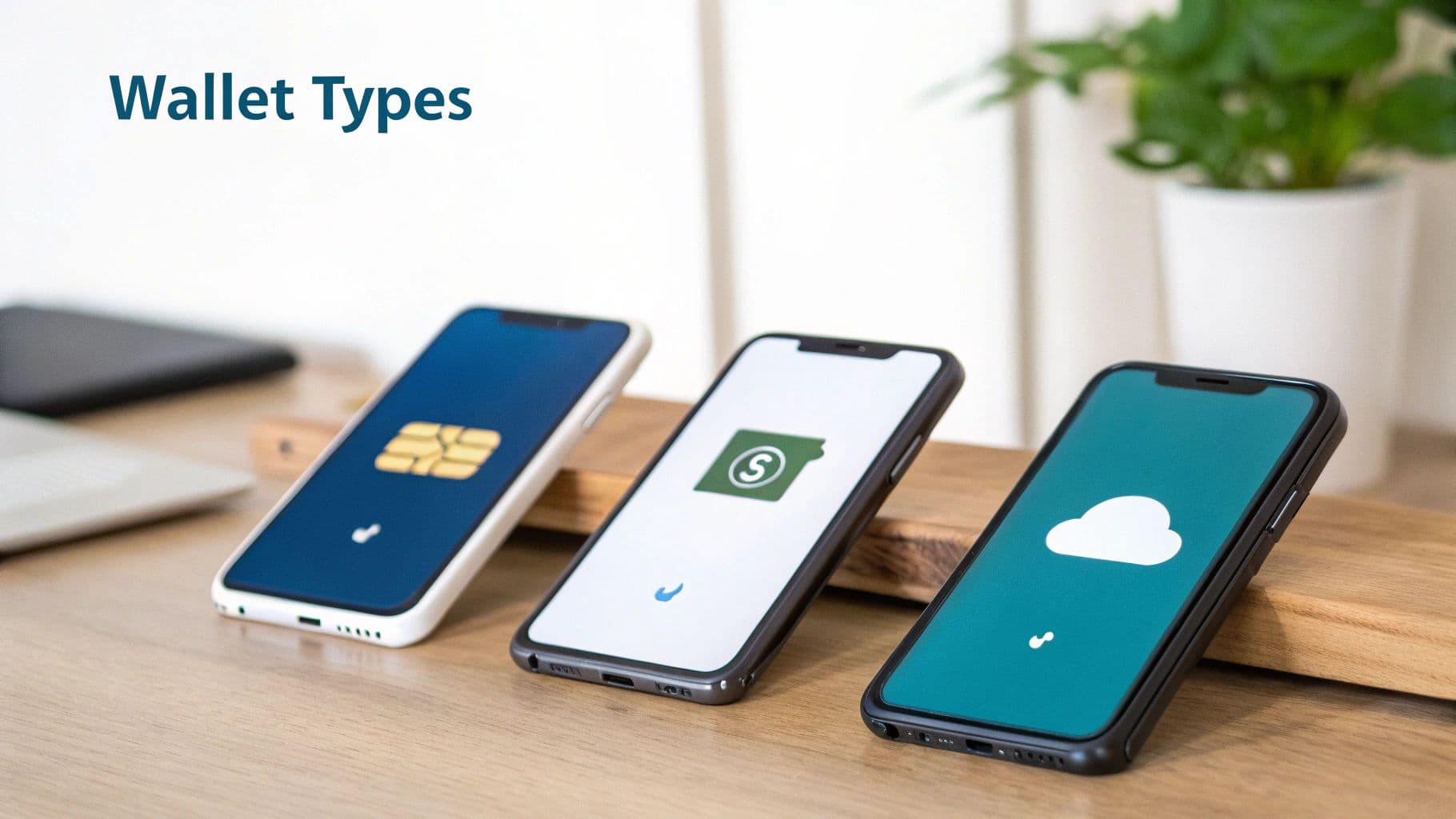
Not every wallet works the same way, and the differences matter when you're choosing what to accept. Three categories cover almost everything in market today.
Closed-loop wallets
Closed-loop wallets only spend at one merchant or one closely-controlled network of merchants. The Starbucks app is the canonical example. You top up a balance, you spend it on coffee, and you can't use that balance anywhere else. Costa Coffee, Pret, and most retailer-branded apps work the same way. The merchant essentially runs its own mini-currency.
From a security and payments perspective, closed-loop wallets are simple — there's no card scheme involved at the point of spending, just the merchant's own ledger. The card scheme only sees the original top-up transaction. For the merchant, the appeal is float (customers pre-loading money), loyalty data, and lower per-transaction processing costs.
Semi-closed wallets
Semi-closed wallets sit somewhere between a closed-loop balance and an open card. PayPal is the classic case. You can hold a PayPal balance and send it to other PayPal users, you can pay at merchants who've integrated PayPal as a checkout option, and you can withdraw to a bank account — but you can't tap PayPal on a contactless terminal at Tesco. Venmo, Cash App, Wise, Revolut, and most peer-to-peer payment apps fall into this category.
The defining trait is that semi-closed wallets work where their operator has signed an acceptance deal. The wallet provider is effectively the network. That's powerful in markets where they have penetration (PayPal in e-commerce, Wise for international transfers) but it's not universal acceptance.
Open-loop wallets
Open-loop wallets ride on the existing card scheme rails — Visa, Mastercard, American Express, Discover — and are accepted anywhere those schemes are accepted. Apple Pay, Google Pay, Samsung Pay, and Click to Pay are all open-loop. When you tap an iPhone at a contactless terminal, the underlying transaction is still a Visa or Mastercard payment; Apple is just the wallet wrapping the credential.
From an acceptance perspective, open-loop wallets are the easiest to handle. If you already accept Visa and Mastercard, you accept Apple Pay and Google Pay by default at a contactless terminal — there's nothing extra to integrate. For online checkout, you usually need an extra line in your payment provider's SDK to surface the wallet's payment sheet, but the underlying rails are the same.
Digital wallet vs mobile wallet vs e-wallet#
The three terms get used interchangeably in marketing copy, and most of the time that's fine because the differences are slight. But for technical accuracy:
A mobile wallet is a digital wallet that lives on a phone or wearable. Apple Pay on iPhone, Google Pay on Android, Samsung Pay on Galaxy devices, the Garmin Pay app on a smartwatch — all mobile wallets. The defining feature is form factor: it's portable, it travels with you, and it usually pays via NFC at a physical terminal.
A digital wallet is the broader category — any software wallet, including ones that don't live on a phone. Browser-based wallets (Chrome's saved-cards system, Click to Pay in the browser), desktop wallets, smart-TV wallets, in-car wallets, all qualify. Every mobile wallet is a digital wallet, but not every digital wallet is mobile.
"E-wallet" is the same idea, with a 2003 vibe. It was the term used when this technology was new and you needed a generic label that didn't favour a specific platform. It's mostly faded from current usage, though you'll still see it in some regulatory and Asian-market contexts (Alipay and WeChat Pay are often called e-wallets in their home market).
If you're writing for a UK or US audience in 2026, "digital wallet" is the term that does the most work. It's broad enough to cover Apple Pay through to your bank's mobile app, and it's the term that maps to how the card schemes describe the category.
Where digital wallets fit in phone-payment contact centres#
This is where the conversation usually circles back for the businesses we work with. Almost every digital wallet in market today was built for two contexts: ecommerce checkout and in-person contactless. Neither of those is what happens in a contact centre. When a customer is on the phone reading out a card number, there's no NFC terminal to tap and no checkout sheet to surface. The wallet sitting on their phone can't physically reach into the call.
That doesn't mean the wallet-style benefit — tokenisation, card data never touching the merchant — is unavailable in phone payments. It's just achieved differently. Paytia's DTMF masking lets a customer type their card number on their phone keypad during a call, with the tones masked so the agent and the call recording never hear the digits. The card data goes directly into our PCI DSS Level 1 vault, gets tokenised, and the merchant gets back a result without ever seeing the PAN. Different architecture, same outcome.
For online and ecommerce traffic, Paytia merchants can plug in Click to Pay, which is the card-scheme-issued network token wallet for browser checkout. A customer enrolled in Click to Pay at any scheme-participating site can check out at any other scheme-participating site without re-typing their card. From the merchant's perspective, it's a checkout option you enable, not a wallet you build.
The honest answer to "do you accept digital wallets?" depends on the channel. For a contact centre handling MOTO transactions over the phone, the wallet on the customer's phone isn't the relevant security control — DTMF masking is. For ecommerce checkout, supporting Apple Pay, Google Pay, and Click to Pay is increasingly table stakes. The two contexts have different toolkits, and treating them as the same problem leads to either over-engineering the contact centre or under-engineering the website.
What digital wallets don't do#
A few things worth being clear about, because the marketing rarely is.
Digital wallets don't change the underlying card scheme economics. When you pay with Apple Pay at a Visa terminal, it's still a Visa transaction with Visa interchange. The wallet provider may take a separate fee (Apple historically charged US issuers ~0.15% on each tap; the EU arrangement changed after the 2024 antitrust settlement., for instance), but the merchant pays the same scheme fees they'd pay for a contactless card.
Digital wallets don't replace fraud screening. Tokenisation reduces breach risk at the merchant level, but a wallet-paid transaction can still be fraudulent — a thief who's added your card to their own device, a stolen unlocked phone, a compromised wallet account. Merchants still need CVV checks, address verification, and behavioural fraud screening for high-risk transactions.
Digital wallets don't make a business PCI-exempt. Even when 100% of your traffic is wallet-paid and you never touch a PAN, you're still in scope for PCI DSS — your scope is just smaller. The acquirer relationship, the receipts, the refund flows, all still come under the standard.
The short version#
A digital wallet is software that stores tokenised payment credentials and presents them at the moment of payment. The wallet isn't the card; it's the layer between the card and the merchant. Apple Pay, Google Pay, Samsung Pay, and Click to Pay are the open-loop wallets you'll meet most often — they ride on Visa and Mastercard rails and need no special integration at a contactless terminal. PayPal and Venmo are semi-closed, working where their operator has signed acceptance. Starbucks and Costa are closed-loop, just sophisticated balance ledgers.
If you're a UK business deciding what to accept, the practical answer is: support open-loop wallets at your contactless terminals (you already do, if you accept contactless), add Apple Pay and Google Pay to your ecommerce checkout (one line in most SDKs), enable Click to Pay if your provider supports it, and — for phone payments — focus on DTMF masking rather than wallets, because the wallet on the customer's phone simply isn't reachable on a voice call. If you'd like to talk through any of this for your own contact centre, get in touch and we'll map it out.
Cut card data out of your contact centre
Paytia masks the DTMF tones so your agents never hear card details and your call recordings never capture them. PCI DSS scope drops, fraud risk drops, customers feel safer paying.
Related reading#
- What Is Tokenisation? How Card Tokens Actually Work
- Pay by Bank: How Open Banking Payments Work
- What Does CVV Mean? Understanding the Security Code
- Click to Pay: Glossary Entry
- Network Token: Glossary Entry
Want to see this working in your setup? Book a working-demo call — we'll wire up your actual phone system and show you a live capture.