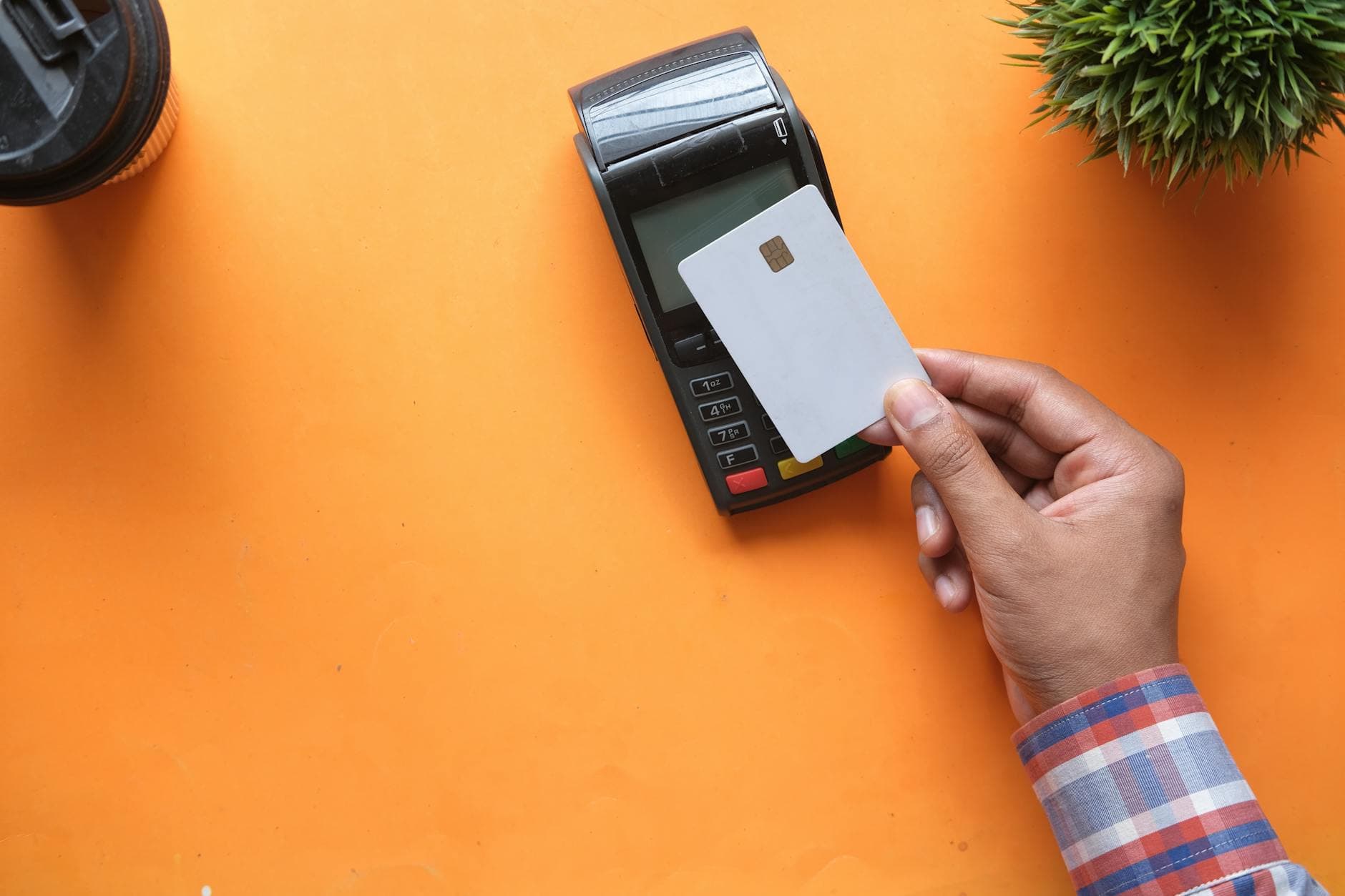
Bringing a Verifone POS terminal into your UK retail operation isn't hard in isolation. Most UK acquirers will provision a Verifone device for you as part of a standard merchant agreement, and the terminal will work fine for taking basic card payments out of the box. The hard part is getting the terminal's output into the rest of your business in a way that your CRM, your accounting, and your customer service team can actually use — particularly if you want to charge the same card again later without re-swiping.
This checklist is for retailers scoping the integration. It assumes you're running an existing CRM or sales tool — browser-based, iPad-based, or a combination — and you want the POS to plug into it rather than sit alongside as a disconnected island.
1. Terminal provisioning#
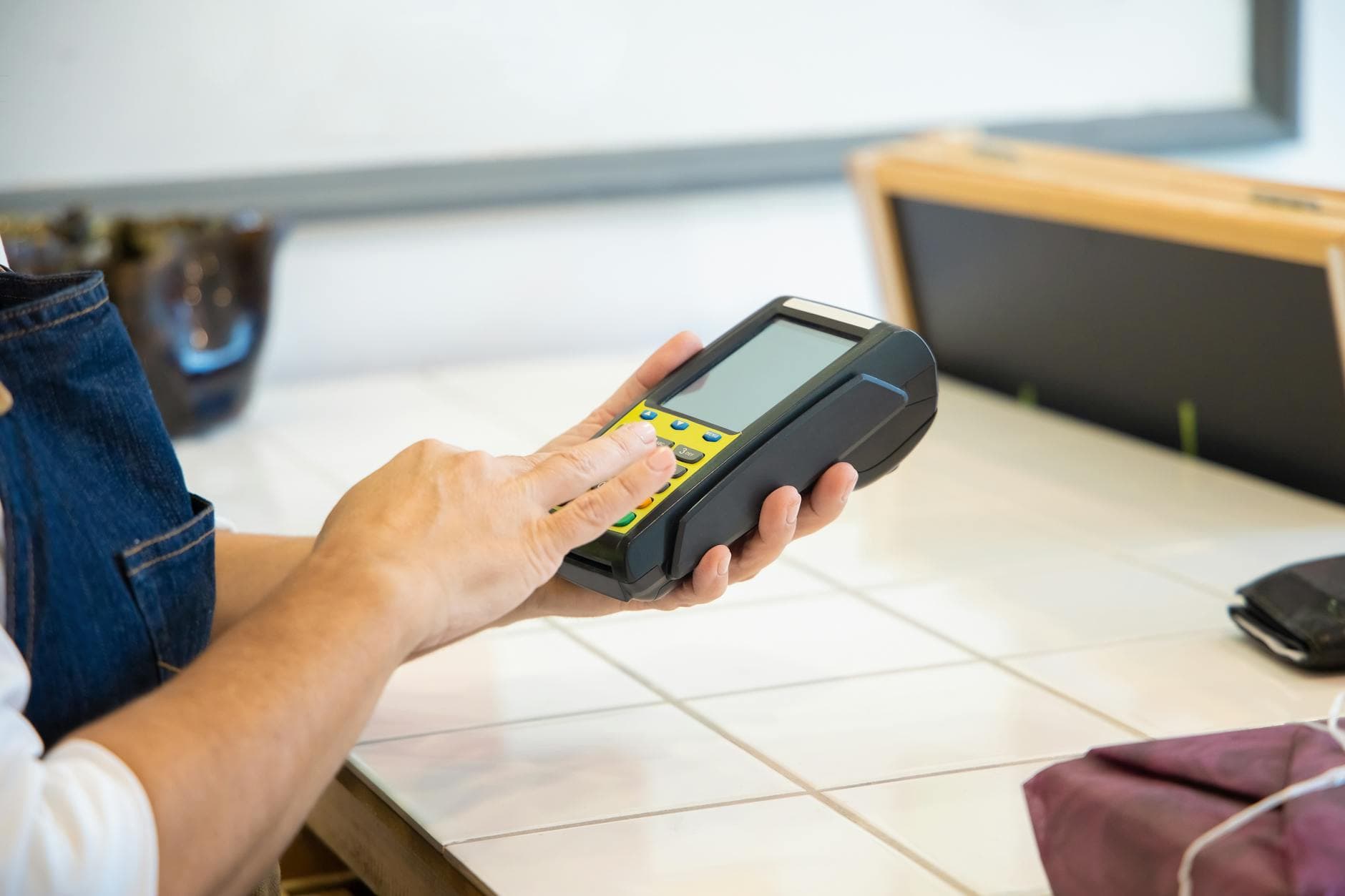
Who's providing the terminal? Your acquirer is the most common answer. Most UK acquirers — the major names Barclaycard, Worldpay, Elavon, and others — offer Verifone terminals as part of their merchant service package. Check what model they'll provide. Verifone's UK estate includes several models including P630, V240m, and T650; the specific model affects cabling, connectivity (Bluetooth / Wi-Fi / Ethernet), and which integration paths are available.
Who's paying for it? Terminals are usually either rented monthly (typical for smaller retailers) or purchased outright (common for larger estates). Monthly rental is easier cashflow-wise; outright purchase is cheaper long-term. Ask for pricing both ways before deciding.
Standalone or integrated? A standalone Verifone terminal sits next to your till and doesn't talk to anything else — you enter the amount manually, the customer pays, you read the outcome off the terminal screen. An integrated Verifone terminal is triggered from your CRM or POS software, receives the amount over the integration, and returns the outcome automatically. Integrated is what you want if you care about the rest of this checklist.
2. Acquirer compatibility#
Which acquirer is the terminal registered with? A Verifone device is provisioned against a specific acquirer account. You can't freely switch a terminal from Barclaycard to Worldpay without re-provisioning.
Does your integration layer support that acquirer? This is where a lot of retailers hit a wall. Paytia's in-person payments layer works with most UK acquirers, but any specific integration needs the acquirer-side wiring confirmed before you start. Ask upfront — don't assume.
Can follow-up payments use a different acquirer? This matters if your in-store acquirer and your online gateway are different providers (common for retailers who grew their in-store and online channels independently). Paytia's token layer allows token reuse across different acquirers, which means the follow-up payment doesn't have to go through the same merchant account that took the in-store deposit.
Want to see this working in your setup? Book a working-demo call — we'll wire up your actual phone system and show you a live capture.
3. Integration design#
How does your CRM trigger the payment? The pattern we see working: the agent opens the customer's record in your CRM, enters the amount, clicks a button. Your CRM calls the Paytia API. Paytia sends the request to the connected Verifone terminal. The customer pays. Paytia sends the outcome back to your CRM via webhook. The record updates automatically.
If that flow isn't what you're planning, sketch out what is. Manual entry on the terminal with an agent transcribing the reference into your CRM afterwards is functional but drops the whole benefit of integration.
What reference travels with the transaction? The transaction needs to carry a reference that ties it back to the specific customer, order, or invoice. Without it, reconciliation is a manual job. The Paytia API accepts custom metadata fields that come back on the webhook, so whatever your CRM uses to identify a record can ride along.
What happens if the webhook fails to deliver? Networks drop. Your CRM might be down for maintenance. The terminal might authorise the payment but the confirmation never reaches your system. The integration needs to handle this — retry logic on the webhook side, reconciliation endpoints so your CRM can poll and repair state, and a dashboard view for your ops team to manually resolve stuck transactions.
4. Tokenisation and follow-up payments#
Does the integration return a token? Not all POS integrations do. Check that the token comes back in the webhook payload and gets stored against your customer record. Without it, there's no follow-up payment — you're just processing a one-off sale.
What's the token's lifespan? Tokens themselves don't expire, but the cards behind them do. Paytia returns expiration metadata so your CRM can alert staff when a stored token is about to expire (for example, a customer with a balance due next month whose card expires next week).
Who can trigger a follow-up payment? Your follow-up workflow needs role-based permissions — an agent can charge a token, a supervisor can reverse a charge, a manager can delete a stored token. Paytia's dashboard supports this out of the box; if you're building custom, think through the permissions model up front.
5. Refunds#
Where can refunds be initiated? Ideally from the same CRM view where the agent is talking to the customer, regardless of whether the original payment was taken at the POS terminal or through a different Paytia channel. Cross-channel refunds work technically (see how cross-channel refunds actually work) but need the UI and permissions to match.
What's the partial-refund workflow? Adjustments, returns of individual items from a multi-item order, post-sale discounts — these are all partial refunds rather than full reversals. Check that your integration handles them cleanly.
6. Timeline and rollout#
How long is a realistic integration? For a standard setup — one acquirer, one CRM, existing Verifone terminals, no bespoke payment logic — 4-8 weeks from kickoff to first live transaction. Most of that time is on your side: defining where in the CRM the payment triggers belong, deciding what metadata to pass, and testing against a sandbox acquirer. The Paytia side of the integration is usually the quicker bit.
Rollout strategy. Don't flip every store on day one. Pilot with a single store or a single terminal for the first two weeks. Work out the edge cases on a small footprint before rolling out to the estate.
Staff training. The POS flow itself doesn't change much from a staff perspective — customer pays on the terminal as normal. What changes is what happens after — the follow-up payment workflow, the token awareness, the different refund UI. Train on those pieces specifically.
Want to walk through your specific setup?#
Related reading#
- Pillar guide: Payment Gateway API Integration: 2026 Developer Guide
- Pay by Link vs Hosted Checkout: Which to Use
- Manual vs Automated Payment Chasing: When to Switch
- How Open Banking Works: Essential Business Guide
- What is click to pay: A Faster, Safer Online Checkout
Want to see this working in your setup? Book a working-demo call — we'll wire up your actual phone system and show you a live capture.