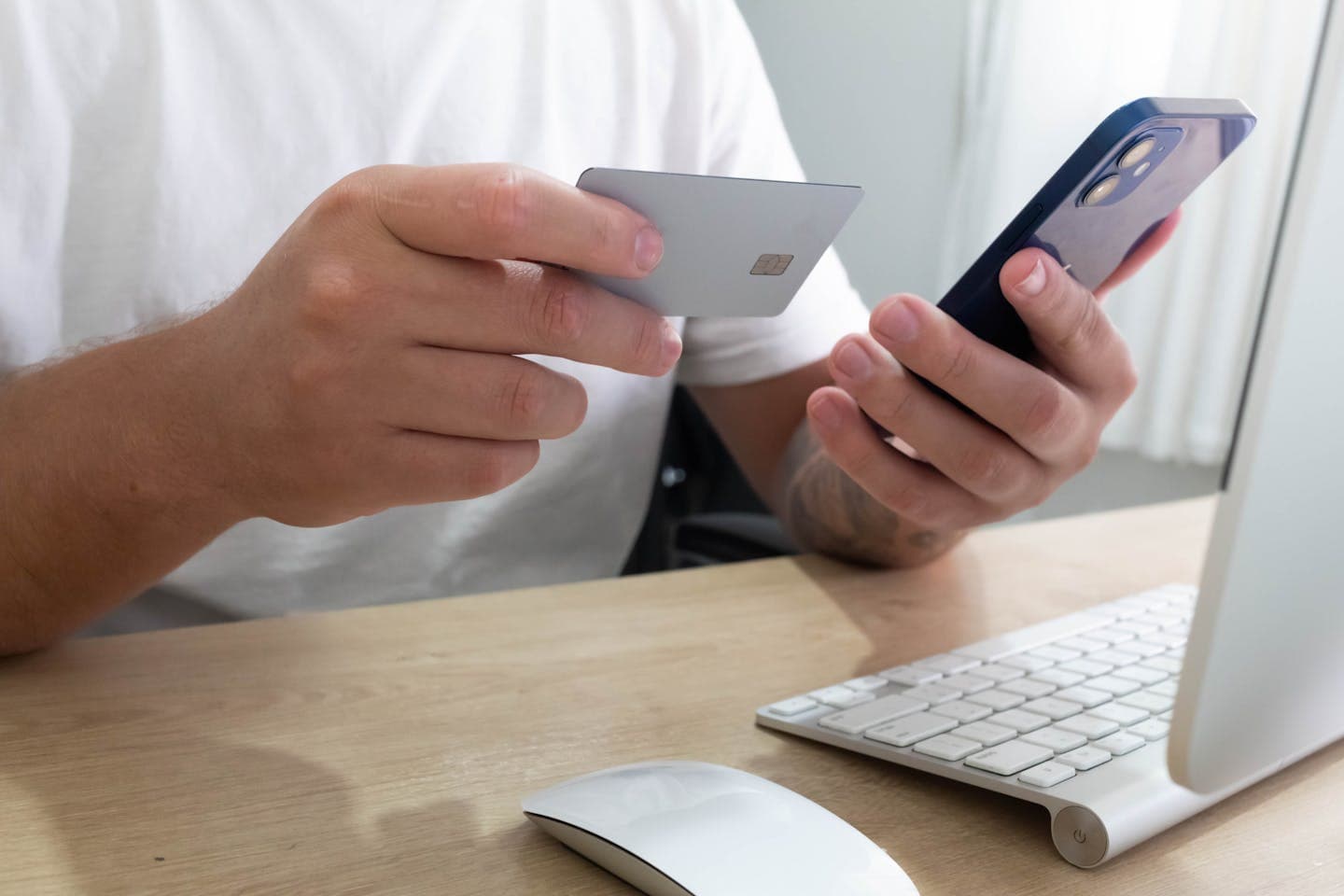

If you take card payments without the customer or their card in front of you — over the phone, against an emailed invoice, from a mail order — you've almost certainly come across the term virtual terminal. It's the workhorse of card-not-present payments for thousands of small businesses, and on the surface it couldn't be simpler: a web page your staff log into and key a card number into to take a payment.
The trouble is that the simplicity hides a real cost, and that cost lands hardest on contact centres. The moment an agent keys a card number into a browser, that agent's keyboard, workstation and network become part of your PCI cardholder data environment. For a handful of mail-order payments a week that might be a fair trade. For a contact centre handling hundreds of calls a day, it's the difference between a 22-control compliance assessment and a 329-control one. This guide explains what a virtual terminal actually is, how it works, where it fits, and the lower-scope way to take the same payments without putting your agents in the firing line.
What is a virtual terminal?#
A virtual terminal is a browser-based payment form that lets a member of staff key a customer's card details into a payment gateway, so you can take a card payment without a physical card reader. Instead of swiping or tapping a card on a countertop machine, someone types the long card number (the PAN), the expiry date and the security code into a secure web page, and the payment is authorised and settled through your acquirer.
It exists to handle card-not-present transactions — payments where neither the customer nor their card is physically present. That covers phone orders, payments taken against a posted or emailed order form, call-centre sales, and ad-hoc invoicing. A virtual terminal turns any internet-connected computer into a point of sale, which is why it became the default tool for businesses that take the odd remote payment but don't want to invest in card-present hardware.
A common point of confusion is whether a virtual terminal is a complete payment solution on its own. It isn't. The virtual terminal is just the interface that captures the card. You still need a merchant account and a payment gateway behind it to authorise the transaction and move the money. Plenty of providers bundle the terminal, the gateway and the acquiring into one signup, which is why it can feel like a single product — but the underlying acquiring relationship is always there.
How a virtual terminal works, step by step#
The flow is deliberately straightforward, which is most of its appeal. An agent opens the virtual terminal in a web browser and logs in. When a customer is ready to pay — usually reading their card details aloud over the phone — the agent types the PAN, expiry and CVV into the form, along with the amount and any billing details the gateway requires. The agent submits the form, the gateway sends the transaction to the card networks for authorisation, and a few seconds later the screen confirms an approval or a decline. Funds settle into the merchant account on the acquirer's normal cycle.
Because the card isn't physically present, every one of these is a card-not-present transaction, and that carries two consequences worth knowing before you build a process on it. First, the merchant carries the fraud liability — if a transaction turns out to be fraudulent and the real cardholder disputes it, the chargeback usually lands on you, not the bank. Second, telephone and mail-order payments — MOTO, for Mail Order / Telephone Order — are currently exempt from Strong Customer Authentication under PSD2. The exemption exists for a practical reason: SCA was designed for online checkouts where a customer can approve a payment with a fingerprint or a push notification, and there's no realistic way to do that mid-call. The exemption is convenient, but it also means the usual two-factor safety net isn't there, so flagging transactions correctly as MOTO and running your own fraud checks matters more, not less.
Where virtual terminals fit, and where they don't#
For a small business taking a low volume of remote payments, a traditional virtual terminal is a sensible tool. If you invoice a handful of clients a month, take the occasional phone order, or run a small mail-order operation, the convenience is real and the compliance overhead is manageable. You don't need bespoke integration, you don't need hardware, and you can be taking payments within minutes of signing up.
The problems begin at scale, and they begin specifically in contact centres. When you go from one person occasionally keying a card to a floor of agents doing it all day, every workstation that touches a card number becomes part of your compliance and risk surface. The card data is now flowing through your agents, your screens, and — if you record calls, as most contact centres must — potentially your call recordings too. What was a minor convenience for a small merchant becomes a significant, recurring liability for an operation built around taking payments by phone.
The hidden PCI cost of a traditional virtual terminal#
Here's the part that catches teams out. The instant an agent types a card number into a browser, that agent's keyboard, browser, workstation and the network it sits on are all inside your PCI cardholder data environment. PCI DSS now has an opinion about all of it, and the assessment that applies is SAQ C-VT — the Self-Assessment Questionnaire for merchants using virtual terminals. SAQ C-VT runs to roughly 80 controls, and it comes with strict conditions: the workstations used to enter card data have to be single-purpose and locked down, with no email, no general web browsing and nothing else that could introduce malware onto a machine that handles card numbers.
There's a deeper trap for contact centres specifically. SAQ C-VT was originally written with the call-centre industry in mind. But the move to Voice over IP changed the picture: once your telephony runs over your data network, the phone system itself is pulled into PCI scope, and most modern contact centres can no longer satisfy the conditions for SAQ C-VT. They fall back to SAQ D — the full 329-control catch-all that's meant for the most complex environments. So the tool that's supposed to make taking phone payments easy can quietly drag a contact centre into the heaviest compliance burden the standard has. As Paytia's founder Curtis Nash puts it, the phone is the last unsecured payment channel — every other channel has matured, but most contact centres still have agents typing card numbers into a screen while the call is being recorded.
That exposure isn't just a paperwork problem. Every place a card number lands is a place it can leak, be overheard, be captured in a recording, or be skimmed by a compromised workstation. The cheapest breach is the one where you never held the data in the first place.
The secure alternative: keep the card off the agent entirely#
There's a better model for any business taking volume payments by phone, and it inverts the virtual terminal. Instead of the agent typing the card number, the customer enters it themselves on their own telephone keypad during the call. Paytia's DTMF masking strips the keypad tones out of the live audio, so the agent — and the call recording, and anyone nearby — can't hear or identify the digits. The card number, expiry and CVV travel straight to your payment gateway and never touch your agent, your phone system or your systems — that's the model our secure phone payment platform is built on. For setups where masking the tones isn't the right fit, channel separation splits the call into two streams during capture to achieve the same result.
The agent stays on the line the whole time, helping the customer through the payment, so you keep the human, browser-based experience that made virtual terminals attractive in the first place. What you lose is the liability. Because the card data never enters your environment, most of the PCI DSS controls simply stop applying, and the typical customer drops from SAQ D or SAQ C-VT all the way to SAQ A — 22 controls instead of 329. That's where the up-to-96% reduction in PCI scope that Paytia delivers for contact centres comes from. Card recordings stay clean with no pause-and-resume or redaction, agents never handle the digits, and the whole thing runs on PCI-DSS Level 1 certified infrastructure — the highest tier of the standard, which Paytia has maintained through every revision since 2016.
It works with any telephony you already run — landline, VoIP, SIP, PBX, or full contact-centre platforms like Genesys, Five9, Amazon Connect, NICE, 8x8 and Talkdesk — with no hardware to install. It's the reason enterprises like British American Tobacco, Warby Parker and Allclear use Paytia, and why customers describe it as giving them peace of mind that card data is handled safely.
Virtual terminal vs secure phone capture, side by side#
| Traditional virtual terminal | Paytia secure phone capture | |
|---|---|---|
| Who enters the card | Agent types it into a browser | Customer keys it on their own handset |
| Where card data goes | Through the agent's workstation and network | Straight to the gateway; never reaches the agent |
| Typical PCI assessment | SAQ C-VT (~80 controls) or SAQ D (329) | SAQ A (22 controls) |
| Call-recording impact | Card numbers can land in recordings | Recordings stay clean automatically |
| Fraud / breach exposure | Card data sits in your environment | No card data to lose |
| Agent experience | Agent handles the digits | Agent stays on the call, never sees the digits |
Choosing a virtual terminal for a contact centre — what to check#
If you're evaluating how to take card-not-present payments at any real volume, weigh the options against a few questions rather than just the monthly fee. Check what the solution does to your PCI scope, because the difference between SAQ A and SAQ D is the single biggest hidden cost in this decision. Confirm it works with your existing merchant account and gateway rather than forcing you to switch acquirers. Ask what happens to your call recordings, since clean recordings save you from expensive redaction or pause-and-resume workarounds. Make sure it fits your telephony — VoIP, SIP and contact-centre platforms shouldn't need ripping out. And look at the provider's certification level: PCI-DSS Level 1 is the highest tier and tells you the infrastructure handling your customers' cards is assessed to the strictest standard.
For most contact centres, the honest answer is that a traditional virtual terminal solves the wrong half of the problem. It makes it easy to take the payment, then quietly hands you the maximum compliance and fraud exposure to go with it. Capturing the card on the customer's own keypad gives you the same convenience without the liability.
Frequently asked questions#
What is a virtual terminal?
A virtual terminal is a browser-based payment form that lets a member of staff key a customer's card details into a payment gateway, so you can take card-not-present payments — over the phone, by mail order, or against an invoice — without a physical card reader. The card is processed manually, one transaction at a time, through your acquirer or gateway.
Do I need a merchant account to use a virtual terminal?
Yes. A virtual terminal is the interface that captures the card; you still need a merchant account and a payment gateway to authorise and settle the transaction. Many providers bundle the two, but the underlying acquiring relationship is still required.
Is a virtual terminal PCI compliant?
A virtual terminal can be used compliantly, but the traditional model — where an agent types the card number into a browser — pulls that agent's workstation, keyboard and network into your PCI cardholder data environment, usually landing you on SAQ C-VT or SAQ D. The lower-scope alternative is to capture the card on the customer's own keypad so it never reaches the agent at all, which keeps most contact centres on SAQ A.
Can I still record calls if I take card payments by phone?
Yes. With Paytia, the card data is removed from the audio before it reaches your recording layer, so recordings stay clean — no pause-and-resume, no redaction, and no compliance exposure if a recording is ever pulled from the archive.
Are telephone payments exempt from Strong Customer Authentication?
Mail Order / Telephone Order (MOTO) payments are currently exempt from SCA under PSD2, because there's no practical way to run a fingerprint or push-notification check mid-call. You still need to flag transactions correctly as MOTO and run your own fraud monitoring, since the merchant carries the fraud liability on card-not-present payments.
Take phone payments without the virtual terminal trap#
If your team takes card payments by phone, you don't have to choose between convenience and compliance. See how Paytia's secure phone payment capture lets agents take payments on a live call while the card data stays out of your environment entirely.