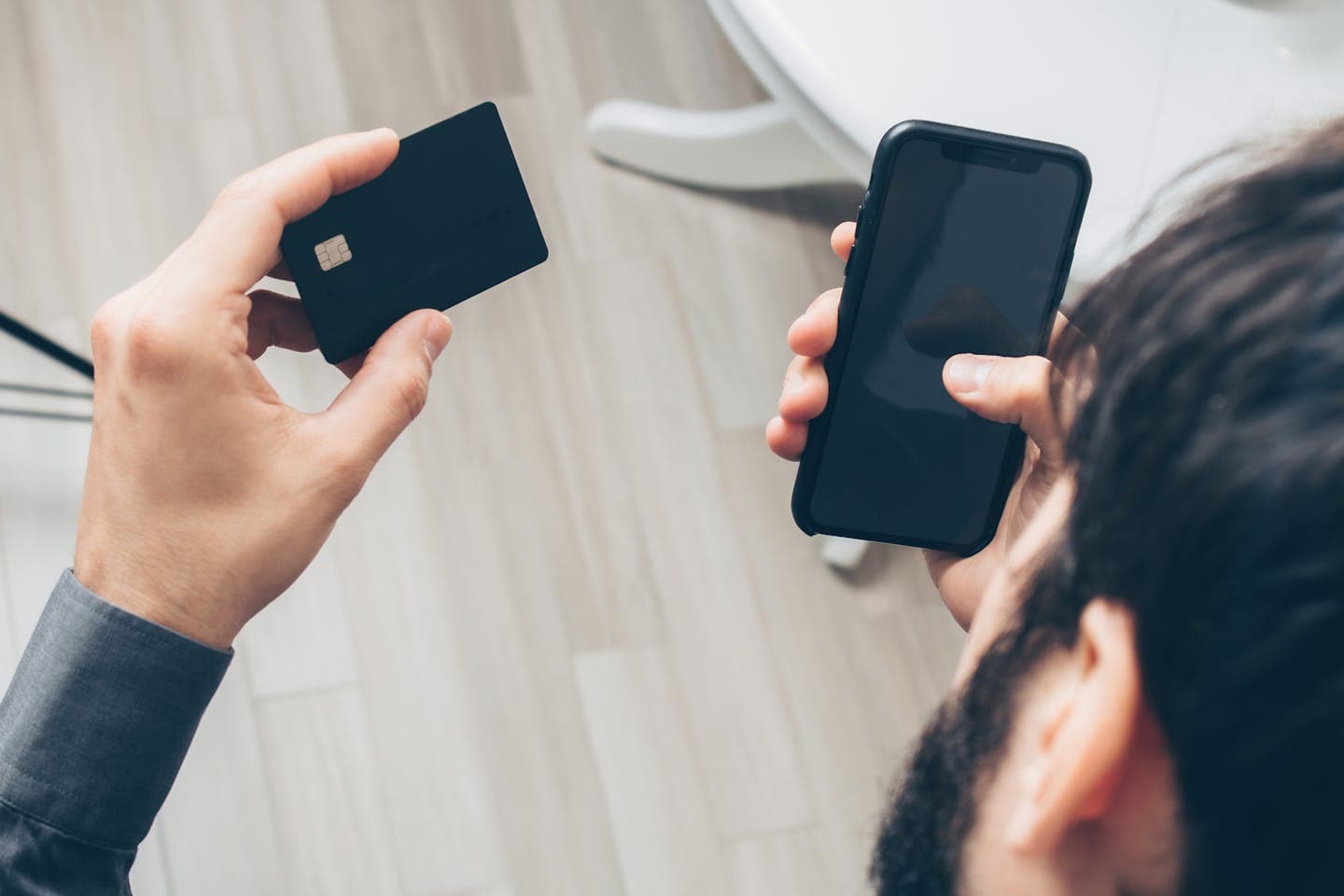

A customer's on a Zoom call with your team. They're ready to pay, and someone says the sentence every compliance officer dreads: "Go ahead and read me the card number." The agent types it into a form, the customer reads out the security code, and the meeting's being recorded, transcribed and summarised by an AI assistant the whole time.
Taking payments on video calls feels like a small operational detail until you work out where that card number has just been. It's in the recording, in the transcript, possibly in the chat, and in the agent's head and on their desk. Each of those is now part of your PCI DSS scope. This guide explains why that happens, the two practical ways to take a card payment on Zoom without the agent ever hearing or seeing the number, and what each does to the amount of compliance work you carry.
Why a card number read out on a video call is a PCI problem#
PCI DSS applies to every system, person and process that stores, processes or transmits card data. When a customer speaks a card number into a Zoom meeting, the audio carries it to the agent, to the meeting recording if one's running, and to anything that processes the audio afterwards, such as automatic transcripts and AI-generated summaries. If the agent types it into a payment form on a shared desktop, that desktop and everything connected to it comes into scope too.
The PCI Security Standards Council has been clear about the risk in its telephone payment guidance. It warns that recording customer conversations can lead to unnecessary storage of payment card data, and that organisations using VoIP often don't realise how it affects their scope or what they need to protect. Video calls are the same problem with more places for the data to land. The agent's screen can be shared by accident. The chat window keeps a log. A transcript is searchable by anyone with access to the meeting. Our guide to PCI compliance and call recording covers what that means for your retention policy.
Why "just stop recording for that bit" doesn't fix it#
The usual first response is to pause the recording while the card's read out. It's better than nothing, and it falls apart in practice. Agents forget to pause, or pause late. The transcript and any live captions are often generated by a separate process from the recording. Even when the audio's clean, the agent has still heard and typed the number, so the agent's workstation, their network and their home office are still in scope.
Pause-and-resume treats a symptom. The cleaner approach is to make sure the card number never travels through the call at all, so there's nothing to pause, redact or delete afterwards.
Two ways to take a payment on Zoom#
Zoom is several products, and how you protect a payment depends on which one your team uses. Paytia supports two mechanisms, and they work differently.
For video meetings, the agent sends the customer a secure payment link inside the meeting. The customer opens it and enters their card details on a separate secure page, so the numbers go straight to the payment processor and never pass through the call, the chat or the agent's screen. For Zoom Phone calls, the customer keys their card number on their own handset keypad, and the tones are masked in real time so the agent hears nothing useful and the recording never captures the digits.
Which one fits depends on how the conversation happens. If your customers are on a video call and looking at a screen, the link's the natural step. If they're on a Zoom Phone voice call, keypad entry is the equivalent of what they'd do on any phone payment.
How a secure payment link works in a Zoom meeting#
Paytia's available as a free app on the Zoom Marketplace. During a meeting, the agent opens the Paytia panel, enters the amount and selects the participant who's paying. That participant receives a secure link in the meeting chat and enters their card details on a separate page. Payments are processed through Stripe, and card data goes directly there rather than through Paytia or your own systems.
The practical effect is that the meeting itself carries no card data. The customer isn't sent away from the conversation, and no plugin or download is needed beyond standard Zoom. Because the agent's view of the payment shows progress rather than card details, screen sharing during the payment isn't a risk, which matters when an agent's walking a customer through an invoice on a shared screen. The agent can also record the customer's name, addresses and an account or reference number alongside the payment, so the call ends with the details your back office needs. Customers who use this kind of tool tend to describe it in similar terms: easy to use, a quick process, and peace of mind that card information is stored safely.
How DTMF masking works on Zoom Phone#
On a Zoom Phone call, the customer enters their card number using the keypad. Each key press produces a tone, called a DTMF tone, that carries the digit — our plain-English guide to DTMF explains the mechanics. Paytia masks those tones in real time, before they reach the call recording, so the agent hears a flat, uninformative sound and the digits go directly to the payment gateway.
Paytia connects to Zoom Phone as a SIP trunk alongside your existing deployment. Your routing, dial plan and the agent's Zoom experience stay as they are, and because the connection sits at the trunk level rather than on the agent's device, home and office agents get the same flow. The agent stays on the call and starts the capture with a single action. Most rollouts take a few weeks.
Because the tones are masked before the recording layer, there's no pause-and-resume step and no post-call redaction. That's the practical difference between masking the data at source and cleaning it up afterwards. If you want the technical detail, our explanation of DTMF masking covers how the tones are handled.
What this does to your PCI scope#
How you capture the card decides which self-assessment questionnaire you complete. If agents hear or key card numbers, your contact-centre environment is in scope and you're typically looking at the longest questionnaire, SAQ D, which covers the agents, their desktops, the network and the recordings. If card data's captured by a validated third party and never enters your environment, you can usually validate with the shortest, SAQ A. Our guide to why SAQ A beats SAQ D for contact centres explains the difference, and telephone payment compliance covers the wider requirements.
Paytia's been a PCI DSS Level 1 service provider since 2016, audited annually by a Qualified Security Assessor. For contact-centre operations, taking card data out of the call can reduce PCI scope by up to 95%. That's a figure about scope, not about your whole compliance programme: you still complete your own assessment, and a provider's Attestation of Compliance is evidence you use within it, not a replacement for it. Organisations such as British American Tobacco, Warby Parker and AllClear use Paytia, and NatWest and Lloyds have endorsed it.
One caution applies whichever tool you choose. Zoom publishes its own PCI information, including its Contact Center integration with another vendor, and it makes clear that assessing your agent workflows is your job. Using a compliant meeting platform doesn't make a card read aloud on that platform compliant. What matters is where the card data actually travels.
Choosing between the two methods#
If your payments happen during scheduled video meetings, such as account reviews, onboarding calls or consultations, the in-meeting link is the simplest fit because everything stays inside Zoom. If your team takes payments on inbound and outbound Zoom Phone calls, keypad entry with DTMF masking matches what customers already expect from a phone payment. Many teams end up with both, depending on the channel the customer chose.
In either case, ask the same three questions of any provider. Does card data ever reach the agent, the recording, the transcript or the chat? Is the provider PCI DSS validated, and will it give you its Attestation of Compliance? And will the agent experience stay simple enough that people actually use it, or will they drift back to asking for the number out loud?
Take payments on Zoom without the compliance headache#
See how Paytia handles payments on Zoom, how it works on Zoom Phone, or what we do on Microsoft Teams — and book a demo if you'd rather watch it take a payment than read about it.
References#
- PCI Security Standards Council, Industry guidance on accepting telephone payments securely
- PCI Security Standards Council, Protecting Telephone-Based Payment Card Data, v3.0 (November 2018)
- Zoom, Zoom Contact Center PCI compliance